Doug Osborne
Software Engineer and Architect
About Me
I have been writing software for over 20 years. I have over 10 years of experience developing large-scale, client-facing, distributed processing systems in the field of electronic discovery (eDiscovery). After taking a break from eDiscovery software to pursue my own projects (examples below), I am now looking to work again solving challenging problems as part of a team.
Professional Highlights
- Conceived, designed, wrote, and tested an eDiscovery software solution (Minify) written in .NET, consisting of over 200,000 lines of code.
- The success of Minify led to the formation of Minify, LLC to market its two main products: Minify Data, a client/server desktop eDiscovery processing application, and Minify Discovery, a web-based eDiscovery review platform.
- Designed a database architecture with over 100 tables and query optimization for high scalability.
- Managed an IT Staff, including hiring, firing, training, and performance reviews.
- Senior software engineer for the leading eDiscovery software company, kCura (now Relativity).
- At my first company, IKON, I was promoted 5 times in 5 years.
- At my second company, Digital Legal Services (DLS), within one year, I wrote eDiscovery processing software (Minify Data) that saved $100,000 in annual licensing costs.
- At my third company, kCura, I was the all-time highest scorer on the Relativity Certified Administrator Exam (RCA), a requirement for all employees.
- At kCura, in 2014, I was the only new engineer to lead a development team, a team created specifically for my experience.
My complete resume is available here: DougOsborne_Resume.pdf
Projects
These are projects that I’ve worked on over the past several years:
Minify – The eDiscovery solution referenced above.
Decorative Boxes – A design tool for making physical boxes from 3D drawings using Computer Numeric Control (CNC) cutting machines.
Puzzle Games – A series of four connect-the-dots puzzle games I wrote, available on the Google Play Store.
Computer Generated Line Art – Unique computer generated artwork created by the level generator that I wrote for my puzzle games.
Color Grids – Another type of computer generated artwork featured on this site, where my program fills in a grid with colors according to a customizable set of rules.
A Programmer Plays Darts – In Part 1, I demonstrate a mathematical solution to several target optimization problems of increasing complexity for the game of darts. In Part 2, I tracked over 30,000 of my dart throws to test how well the results of my mathematical model applied to an actual human darts player.
Minify

The top half of Minify Data’s product sheet. Download the full product sheet: MinifyData.pdf

The top half of Minify Discovery’s product sheet. Download the full product sheet: MinifyDiscovery.pdf
Minify is an eDiscovery solution that I wrote over a period of five years while working for Digital Legal Services, and later Minify LLC, the company that was started to market and sell this software.
In addition to writing the software, I also designed and wrote the above product sheets for the two main products that we were selling: Minify Data, a client/server desktop eDiscovery processing application, and Minify Discovery, a web-based eDiscovery review platform.
I also designed Minify’s database architecture, and created the following database diagram for Minify Discovery (originally named idsImpulse):

A diagram of Minify Discovery’s database. Download the full-sized diagram: MinifyDiscoveryDatabase.pdf
For more details of Minify’s extensive functionality, view the full product sheets: Minify
Decorative Boxes
Main Page: Decorative Box Project

A 12-sided lucite “Relativity Box” sitting on top of the bottom half of a larger, wooden Relativity Box.

A 108-sided painted wooden box that approximates the shape of a sphere. See: Sphere Box for more info/pictures.

The inside of the top part of a Christmas Tree Box.

The inside of the bottom of a Christmas Tree Box. The top part fits over a 1.7 inch lip, securing it in place over the bottom part.
This software is a design tool for making boxes using Computer Numeric Control (CNC) cutting machines. As input, it takes industry standard AutoCAD drawings, and as output it produces files that can be used to precision cut wood, plastics, and other materials for the creation of physical boxes.
Making Box Designs from Shapes
The first step in this process is to convert 3D models of arbitrary shapes (called bounding volumes) into box designs, which are assemblies of rectangular prisms. Below are examples of box designs created by the program using a sphere as a bounding volume.

Left: A 6x6x6 unit box design that fits inside an 8 unit diameter sphere. Right: The Sphere Box design, an 8x8x8 unit box that approximates the shape of a sphere.
The software can create box designs from more complex bounding volumes with options that control the size, shape and number of sides of the resulting designs:

Left: A 173 sided box design contained by a tubular question mark. Right: An 1100 sided box design that contains a tubular question mark.
In addition to box designs automatically created from a bounding volume, the software also supports box designs manually created in AutoCAD (e.g. the Relativity Box) and combination designs that were generated by the software and then manually edited (e.g. the Christmas Tree Box).
Finger Joints
The next step of the process is to create finger joints so that the sides of the box will fit together, an assembly process common in woodworking. Depending on whether they are on an inside or outside edge, these fingers can either add or remove material to individual pieces.

Without fingers, the pieces of the sphere box overlap on outside edges and leave a gap on inside edges.

With fingers drawn correctly, the pieces of the sphere box fit together with no overlaps or gaps.
Making Boxes
Once finger joints are drawn, the program can then output instructions for a CNC machine to cut out the pieces from a sheet of material. Because these boxes can be complex, consisting of a hundred or more individual pieces, this software outputs numbers and labels for each piece, including piece numbers for each adjacent side that serve as assembly instructions.

Freshly cut Christmas Tree Box pieces.
The pieces can then be decorated and assembled into a physical box.

The two parts of a Christmas Tree Box, assembled from 120 pieces and painted 11 colors.

A Christmas Tree Box shown from different sides.
Other Uses
Although the demonstrations for this software are small decorative boxes, there are other more practical uses.
- This software can also be used to design custom crating needed to contain unusually shaped cargo.
- This software can be used to design unusually shaped crates designed to be contained in the cargo holds of aircraft and other limited spaces.
- The manual box design of this software can be used for designing custom forms for casting concrete.
- Future revisions of the software are slated to include features for designing furniture, both drawer and door design.
Puzzle Games
Main page: Games
Over the past few years, I have developed and released a series of connect-the-dot puzzle games, available on android. Below are links to each game’s Google Play Store listing:
Connect the Dots: Shadows (CTD: Shadows)
Connect the Dots: Portals (CTD: Portals)
Connect Unlimited 2 (CU2)
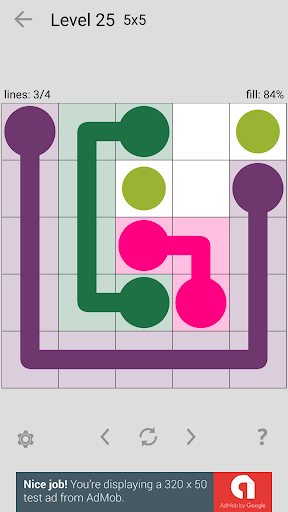
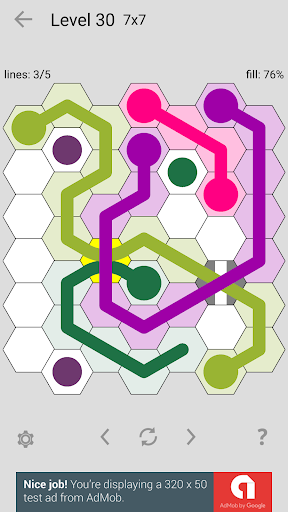
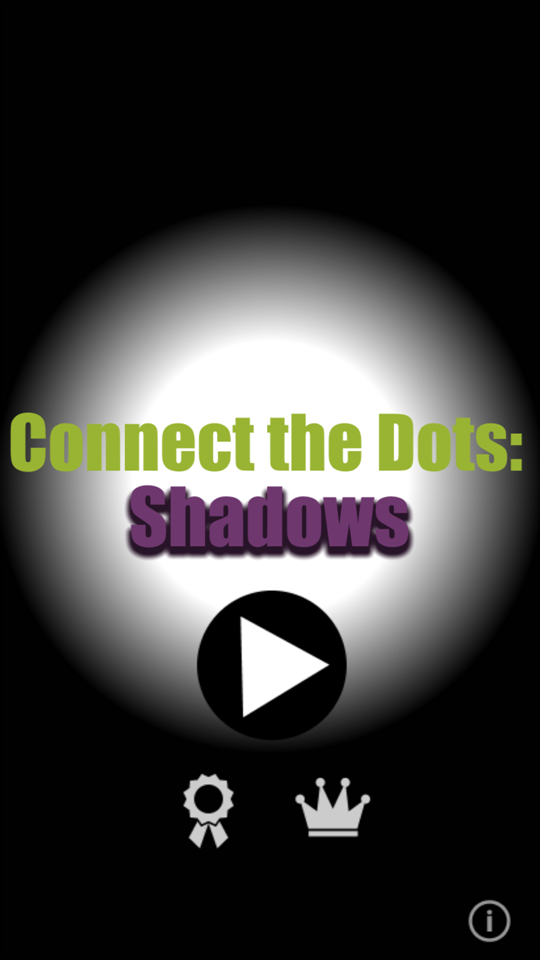
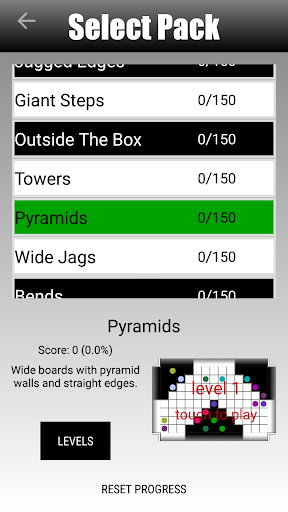
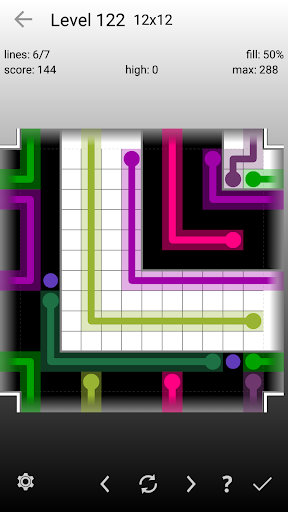
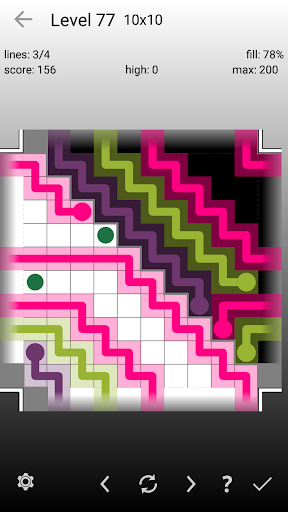
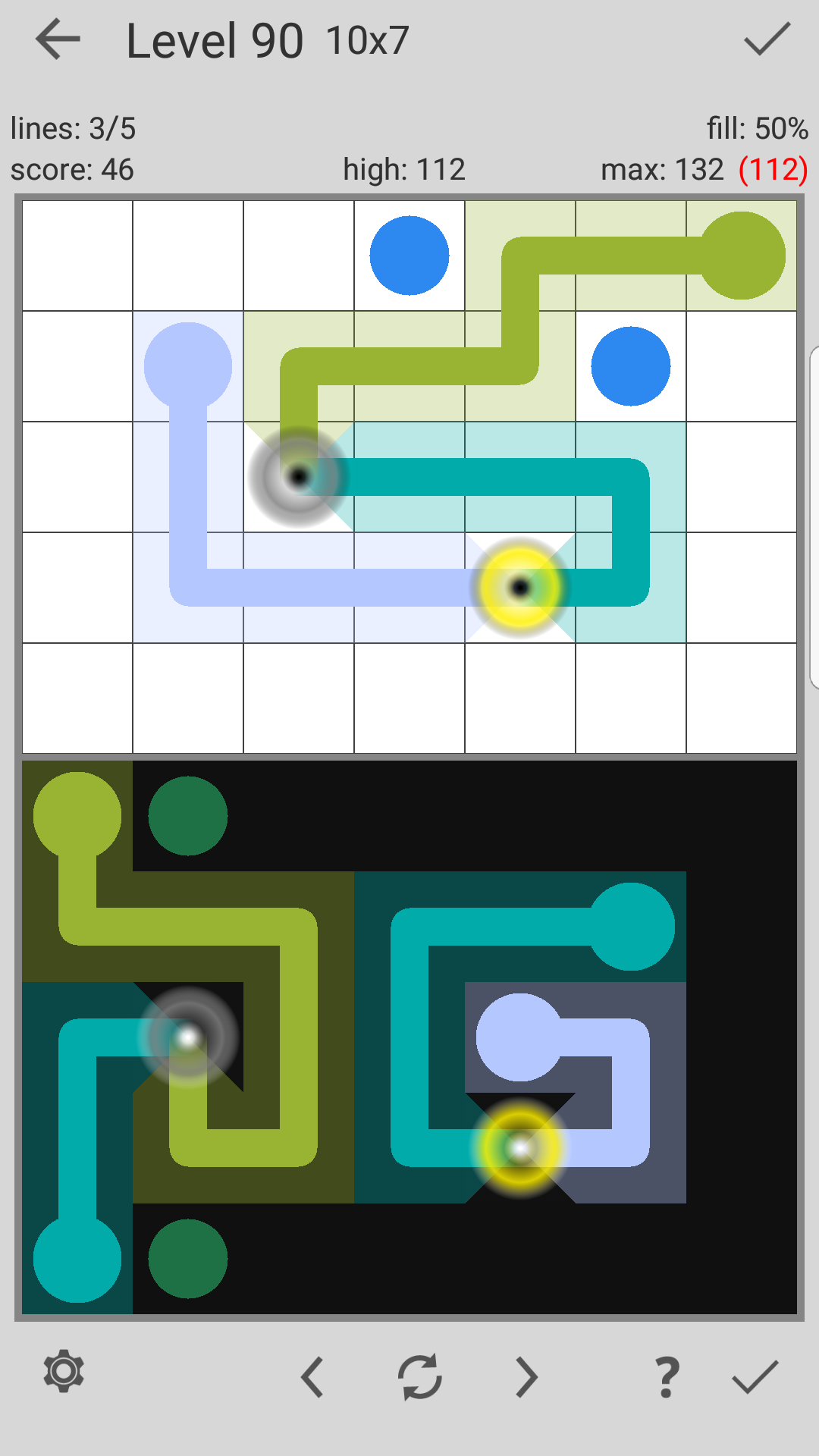
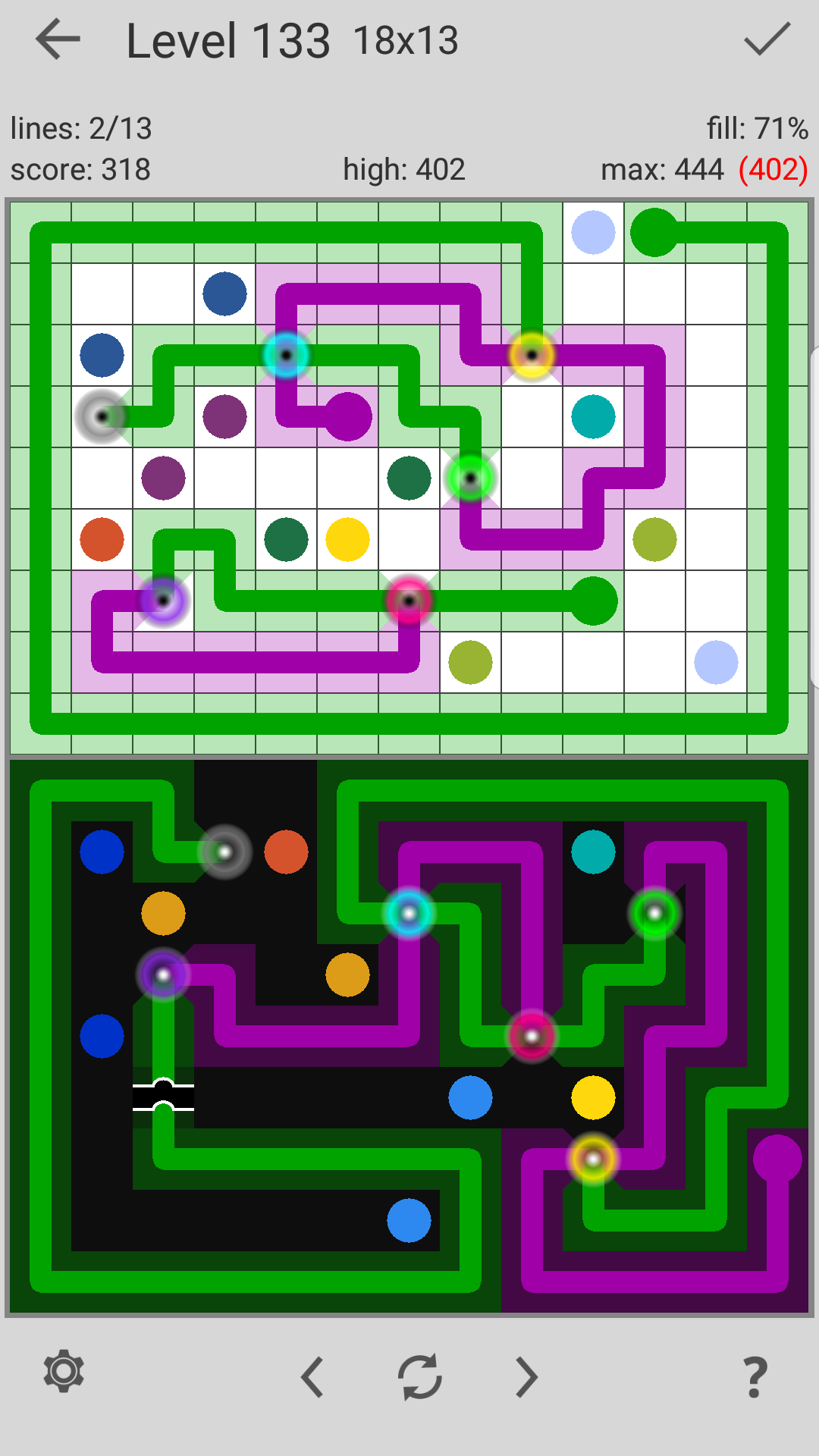
The levels in my games are generated by a program that I originally wrote for Connect Unlimited, and revised for each of my next three games. The gallery below shows screenshots from my first three games:


Connect Unlimited 2: Unlimited Quality Puzzles That Don’t Look Computer Generated
Of these, my favorite game is Connect Unlimited 2, which I still play two years after completing its development. The gallery below shows screenshots from this game:

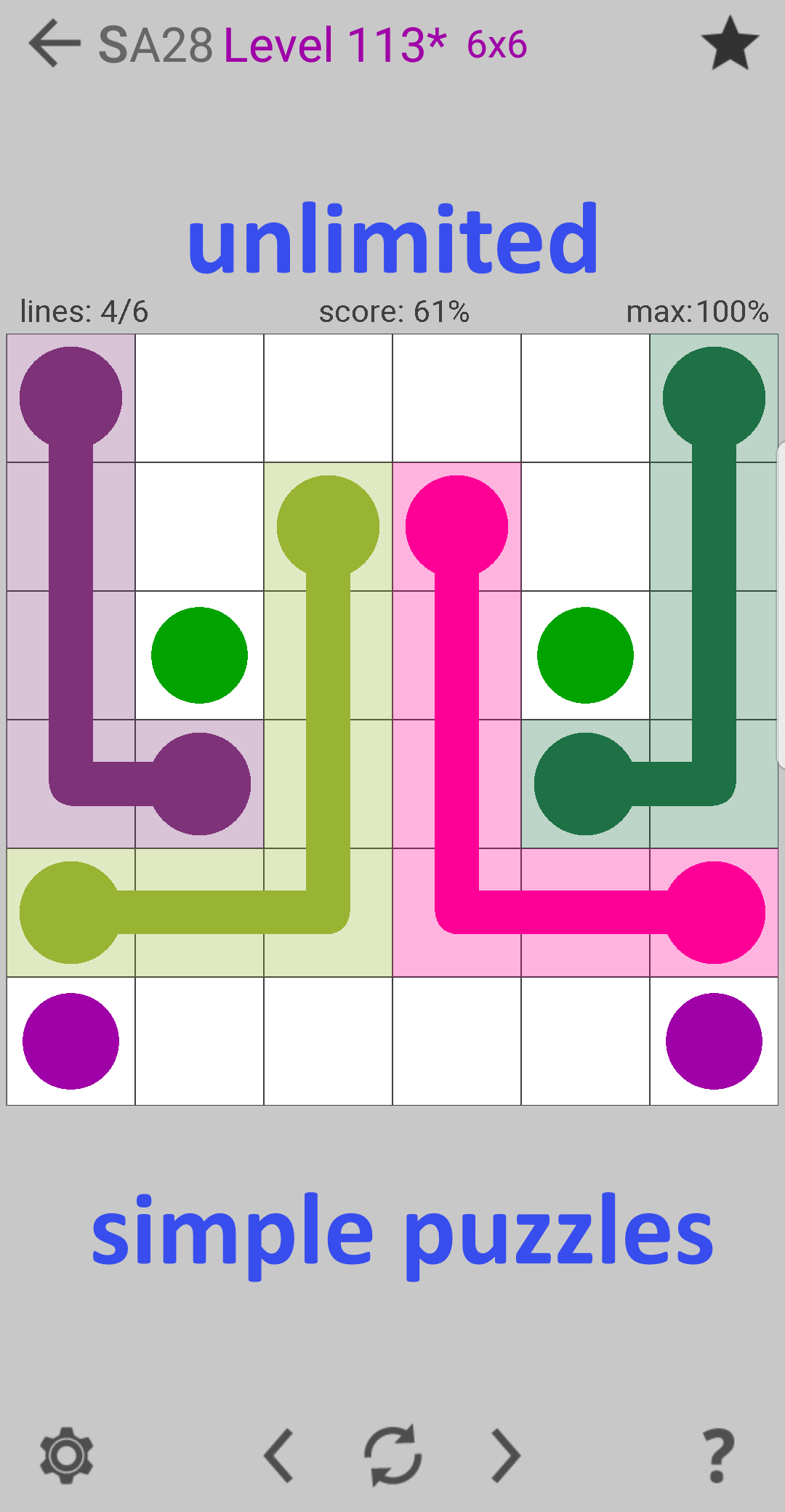
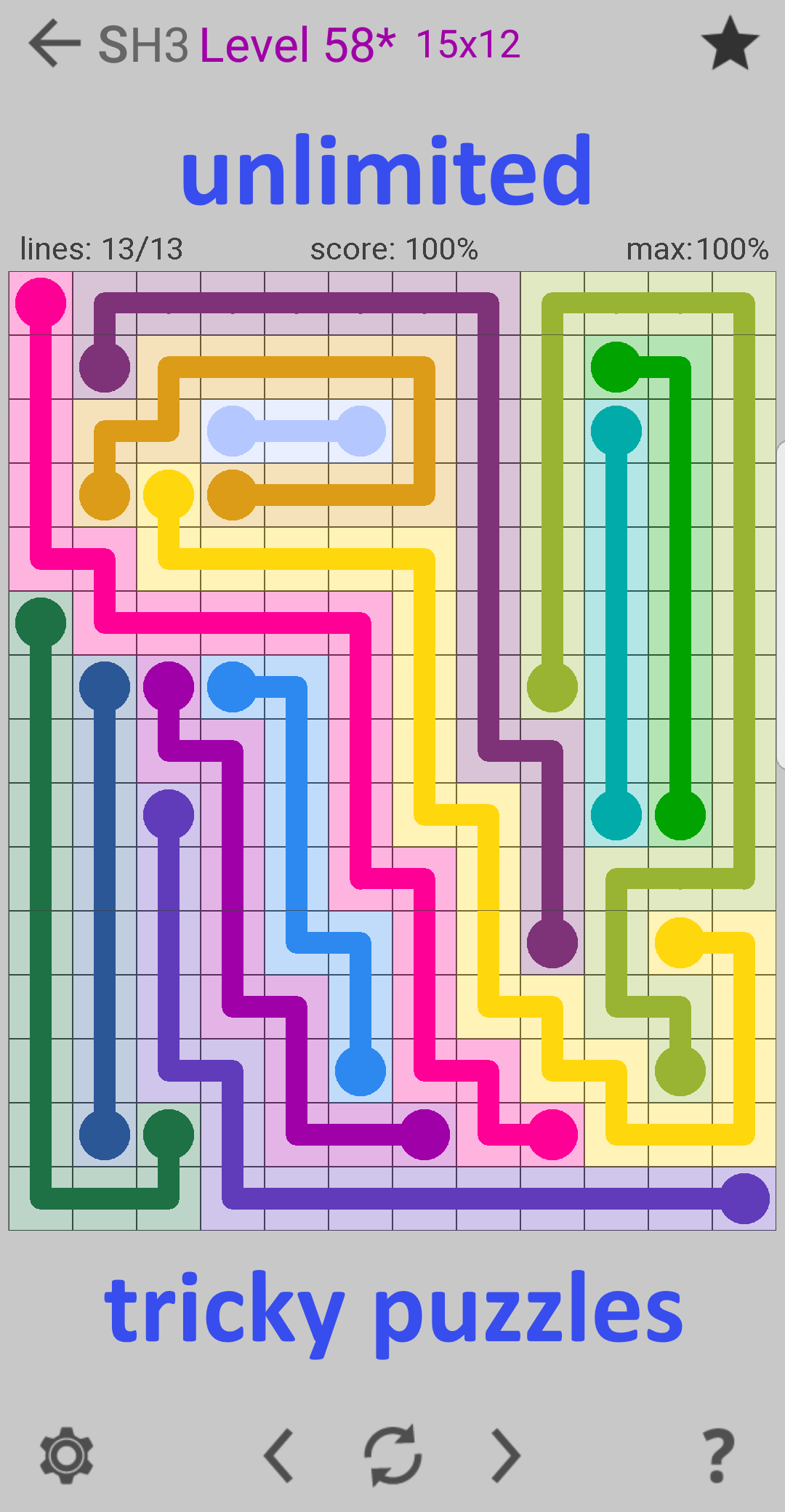
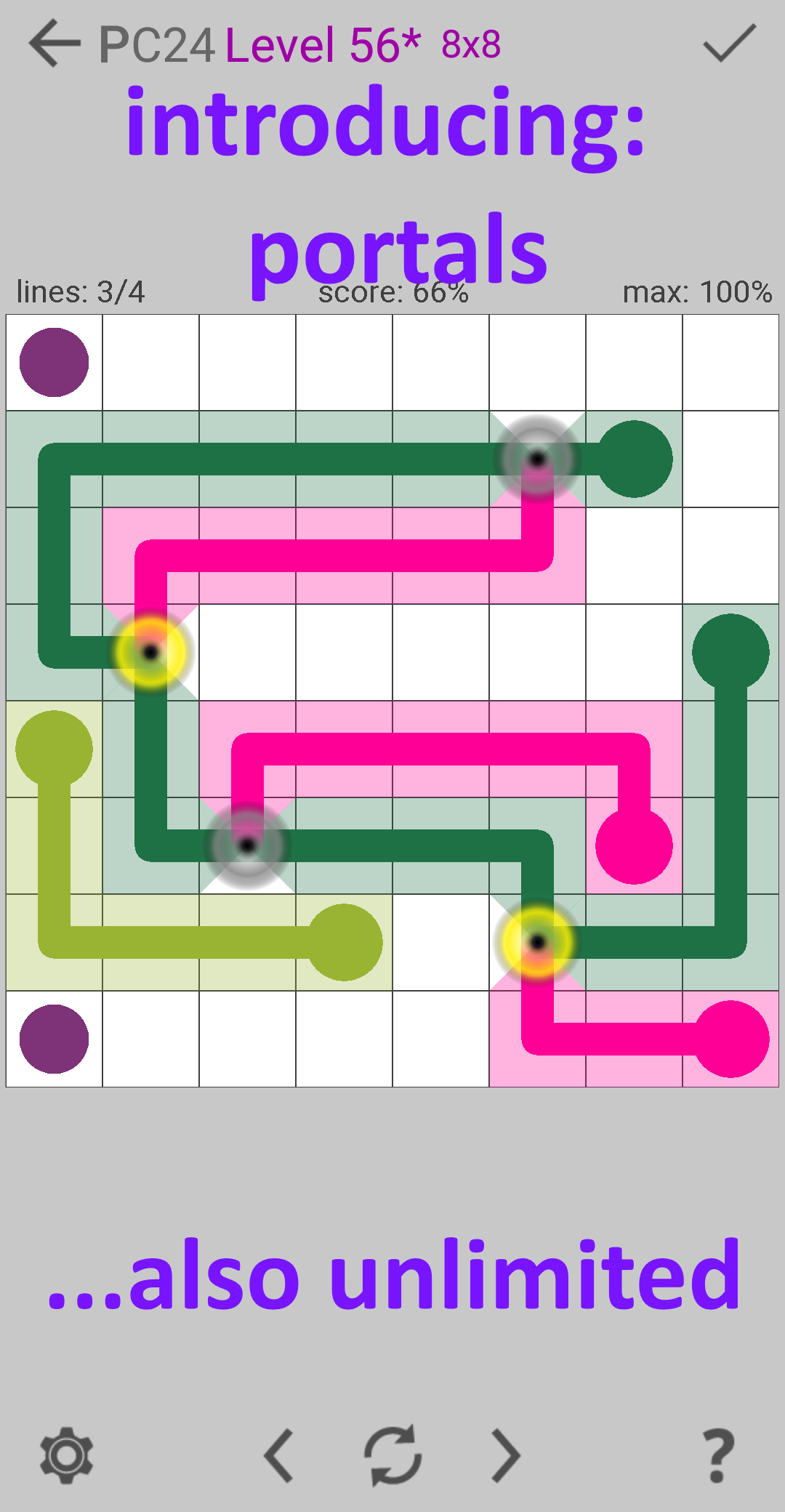
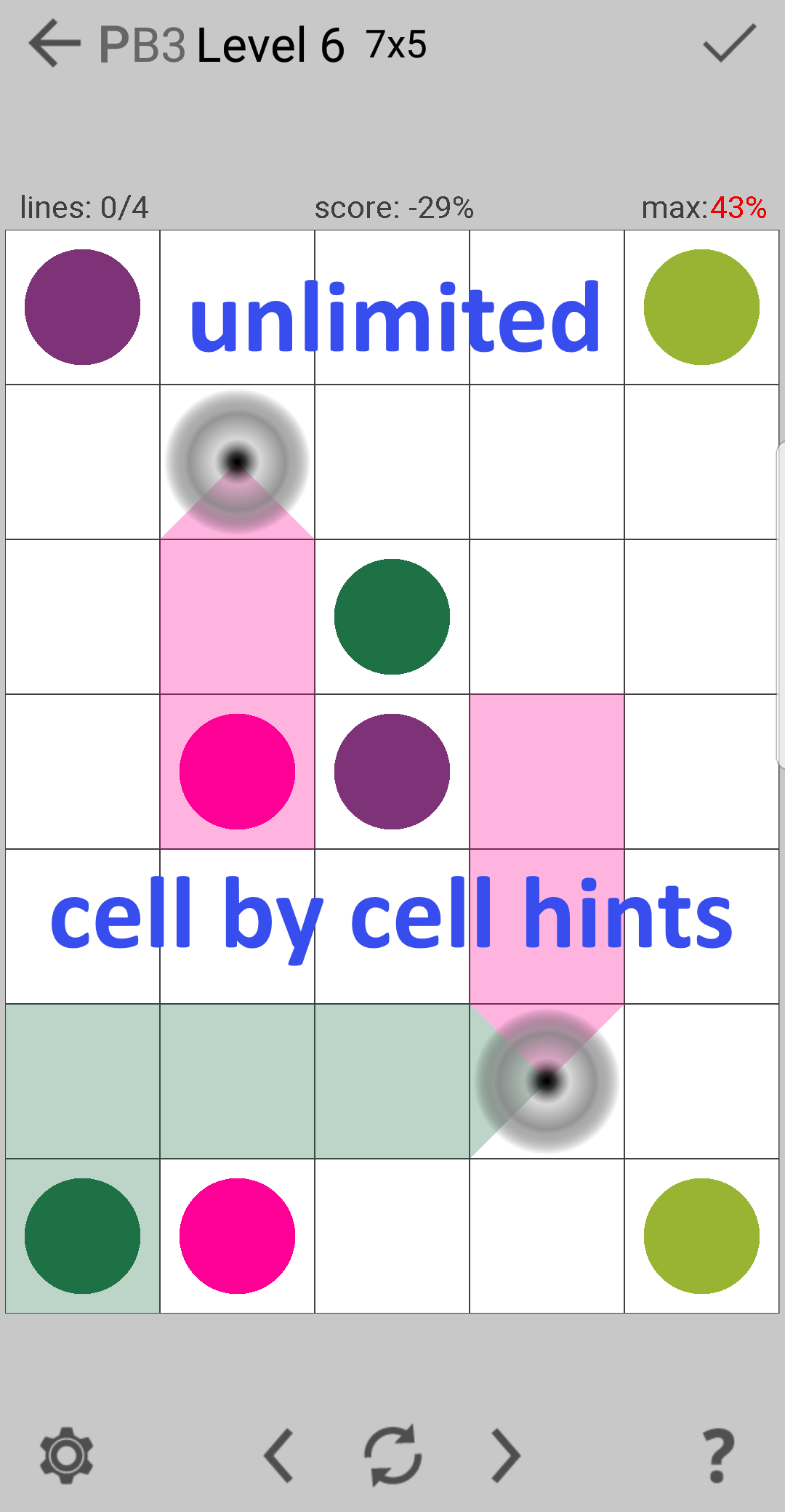
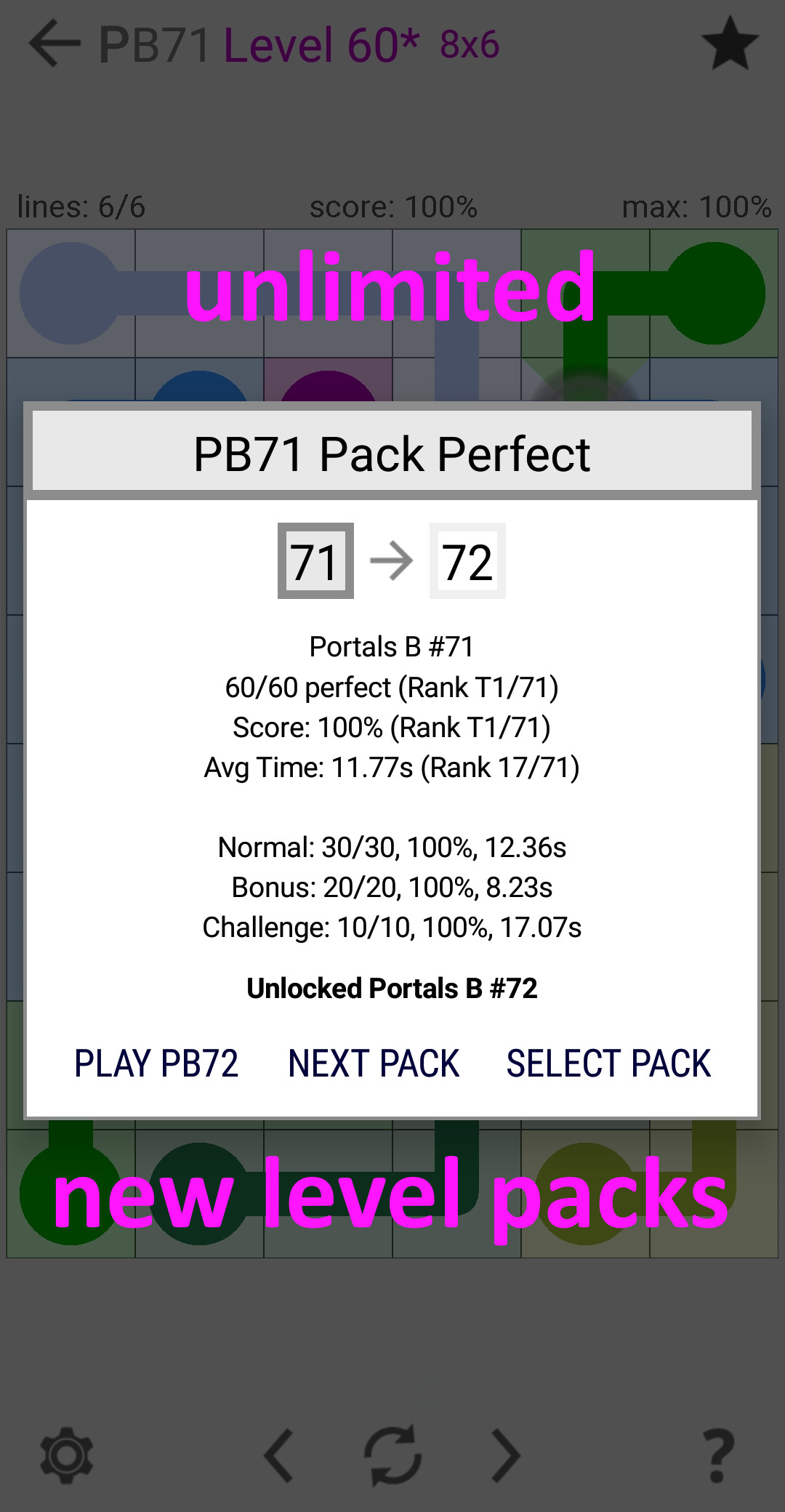
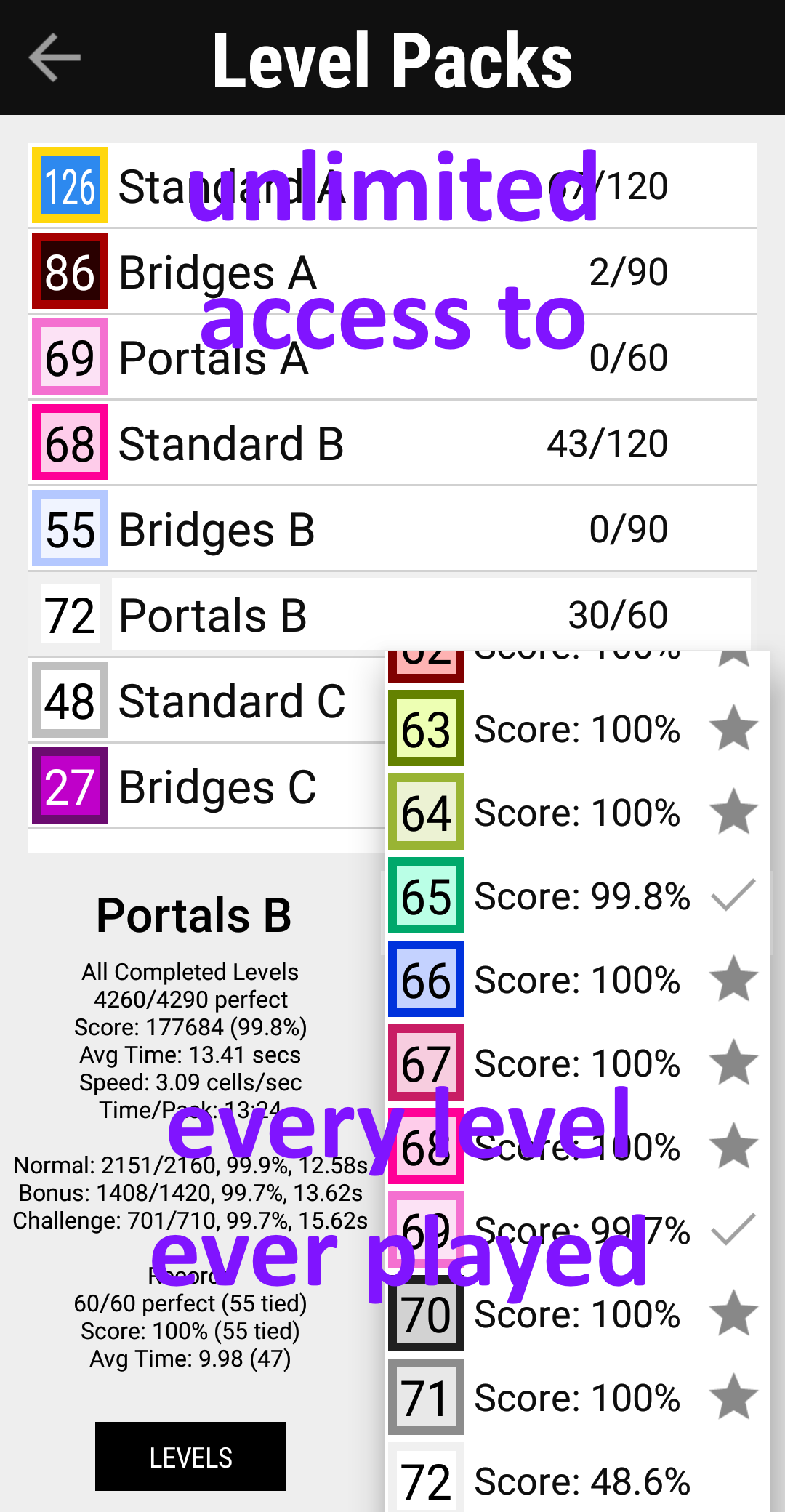
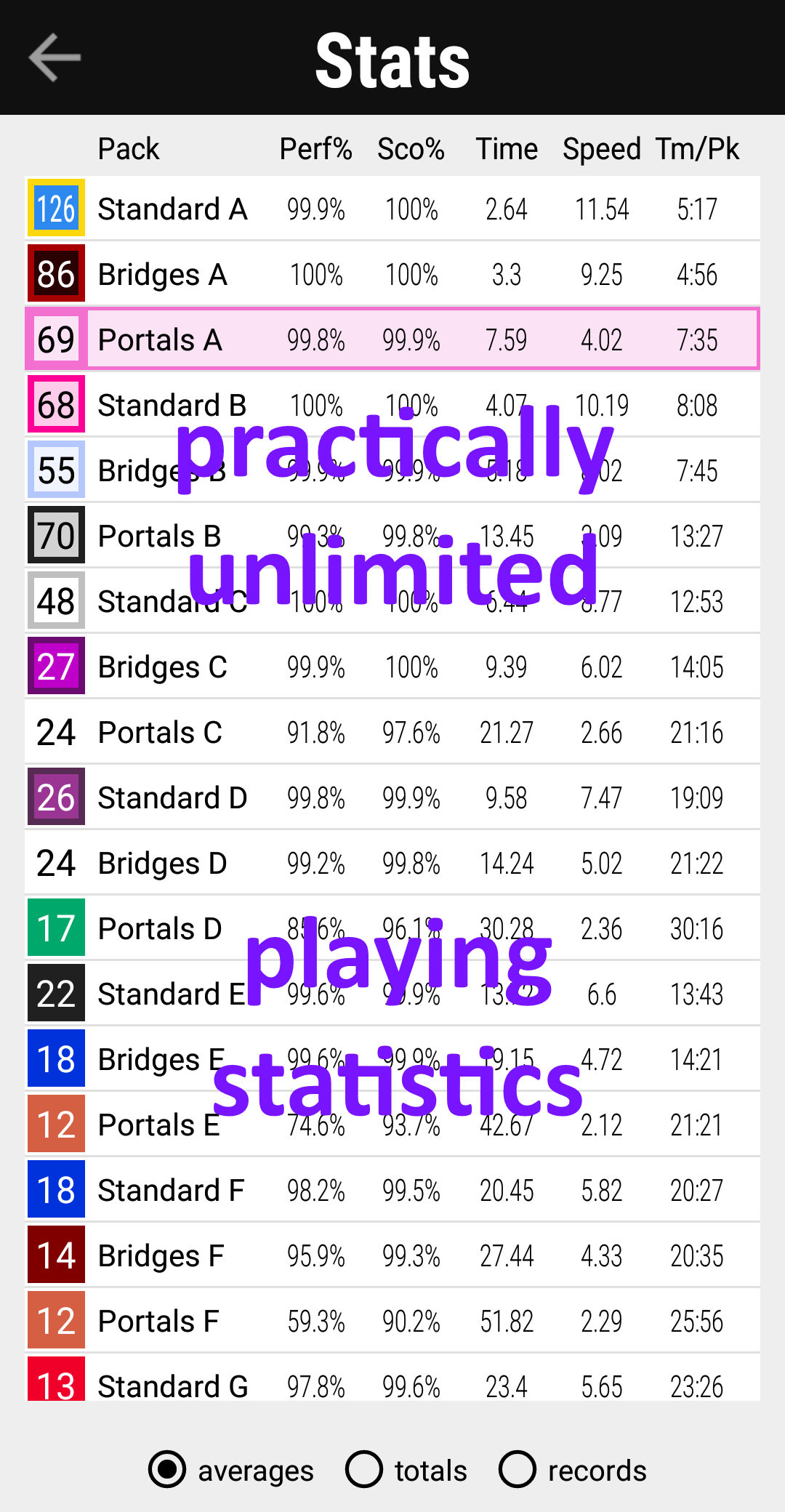
Connect Unlimited 2 includes many features, but my favorite part of the game are the puzzles. The puzzles in Connect Unlimited 2 are simpler than my previous games, a design decision which highlights my level generator’s ability to create interesting levels without complex modifications.
A limitation of my first game, Connect Unlimited, was the tendency for its levels to be repetitive. For the sequel, I developed a process designed to isolate the most unique levels that I call similarity filtering. I also created similarity maps as visual aid to see the results. Below are similarity maps for four randomly selected 7×7 levels from the original Connect Unlimited.

Similarity maps for four levels from the original Connect Unlimited.
Each cell has a similarity score which consists of two components used to generate the background shading, one red and one blue. For these levels the shading is darker for long line segments that follow the edge of the board.
The levels in Connect Unlimited 2 are selected by similarity filtering, with only 1 out of 50 levels making it into the game. For comparison, below are similarity maps for four random 7×7 levels from Connect Unlimited 2:

Similarity maps for four levels from Connect Unlimited 2. The lighter shading shows that these levels are less similar to each other than those from Connect Unlimited.
As shown, similarity filtering is really good at finding levels where the lines don’t simply follow the shape of the board, but form their own distinctive patterns. The resulting levels are significantly more challenging than comparable levels in the original Connect Unlimited, even for lower levels of the games.
My improved level generator using similarity filtering also works well for the most complex levels of my games. Below are some of the most difficult levels from my last two games.

The last 3 levels (levels 148 to 150) of the Time Pack, from CTD: Portals.

The last 3 levels (levels 28-30) of the Portals H #4 (PH4) Pack, from Connect Unlimited 2.
Subjectively, the levels from CTD: Portals look like puzzles generated by a computer program, while the levels from CU2 look like puzzles composed as a human. Later I went on to quantify this feeling I had of human vs computer generated puzzles. You can read the results of my analysis here: Comparing Levels vs. Flow Free.
There I document how I found that the computer-generated levels for my game Connect Unlimited 2 were indistinguishable from the manually created levels in Flow Free, the original connect-the-dots puzzle game that I played.
It is the interesting patterns in these small puzzles that inspired me to create larger computer generated art.
Computer Generated Line Art
Main page: Computer Generated Line Art
When I used my level generator to create levels larger than those in my games, I found the results so interesting that I focused my development into turning my level generator into an art generator.
The gallery below shows examples of this artwork (see: Galleries for many more), in roughly chronological order of when they were created:
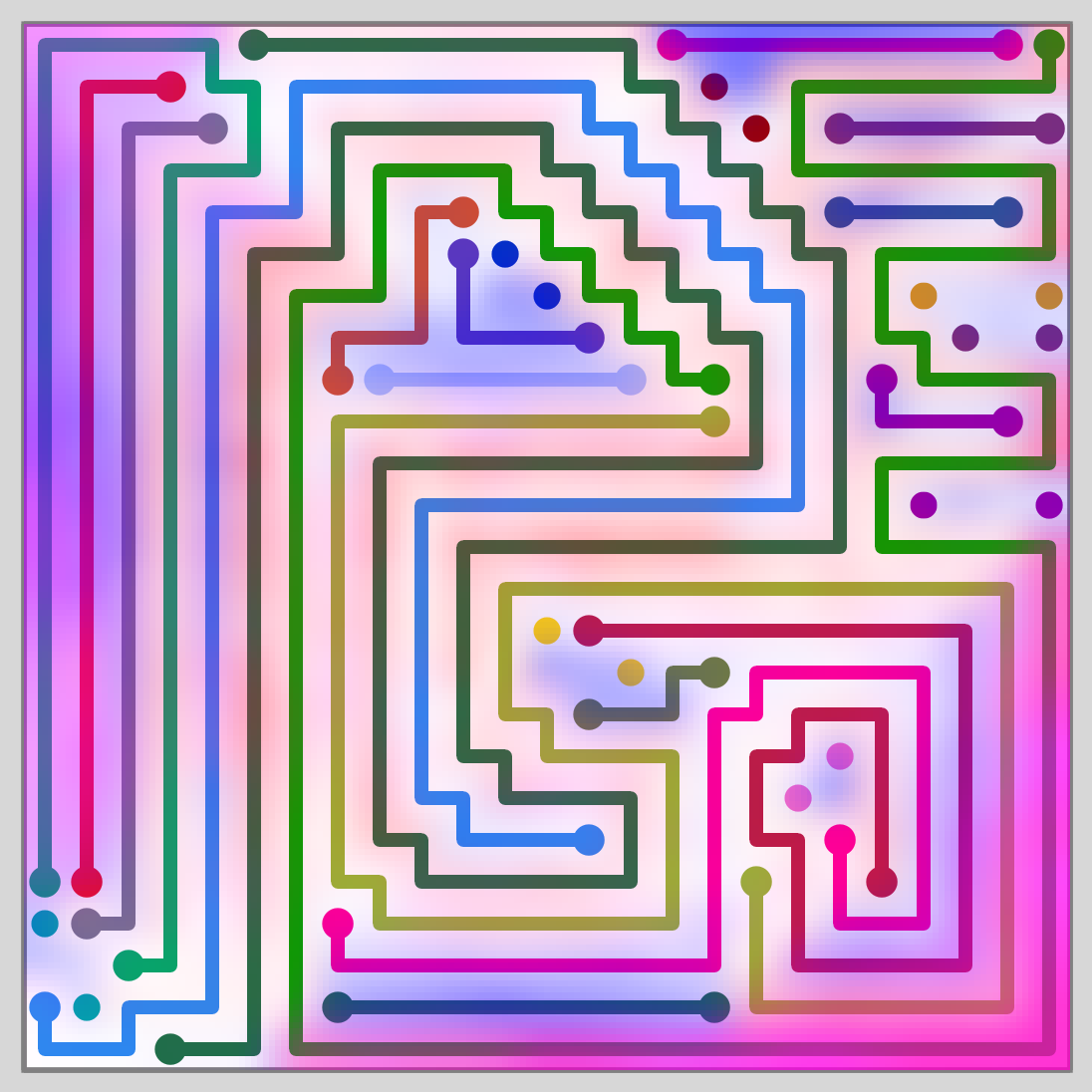
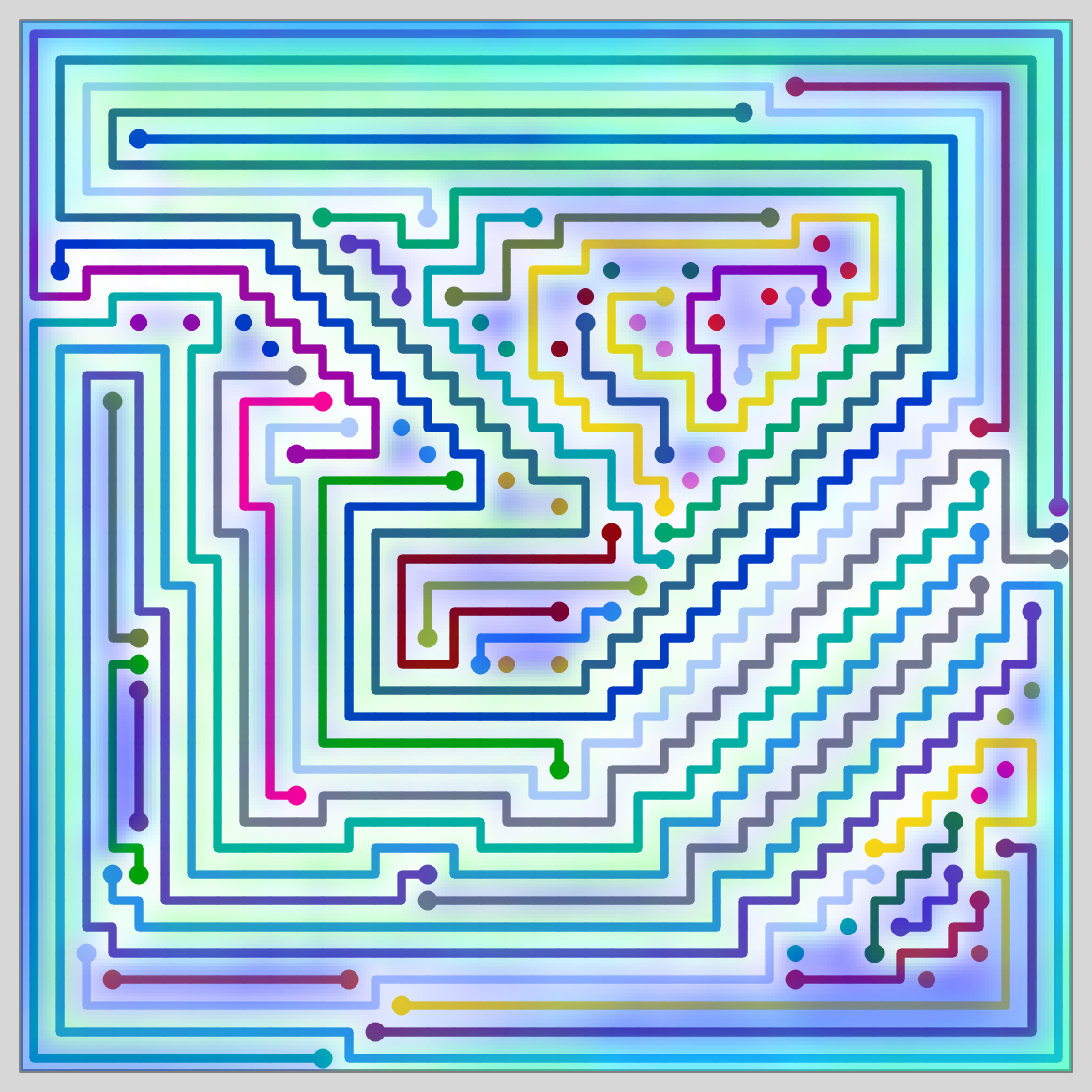
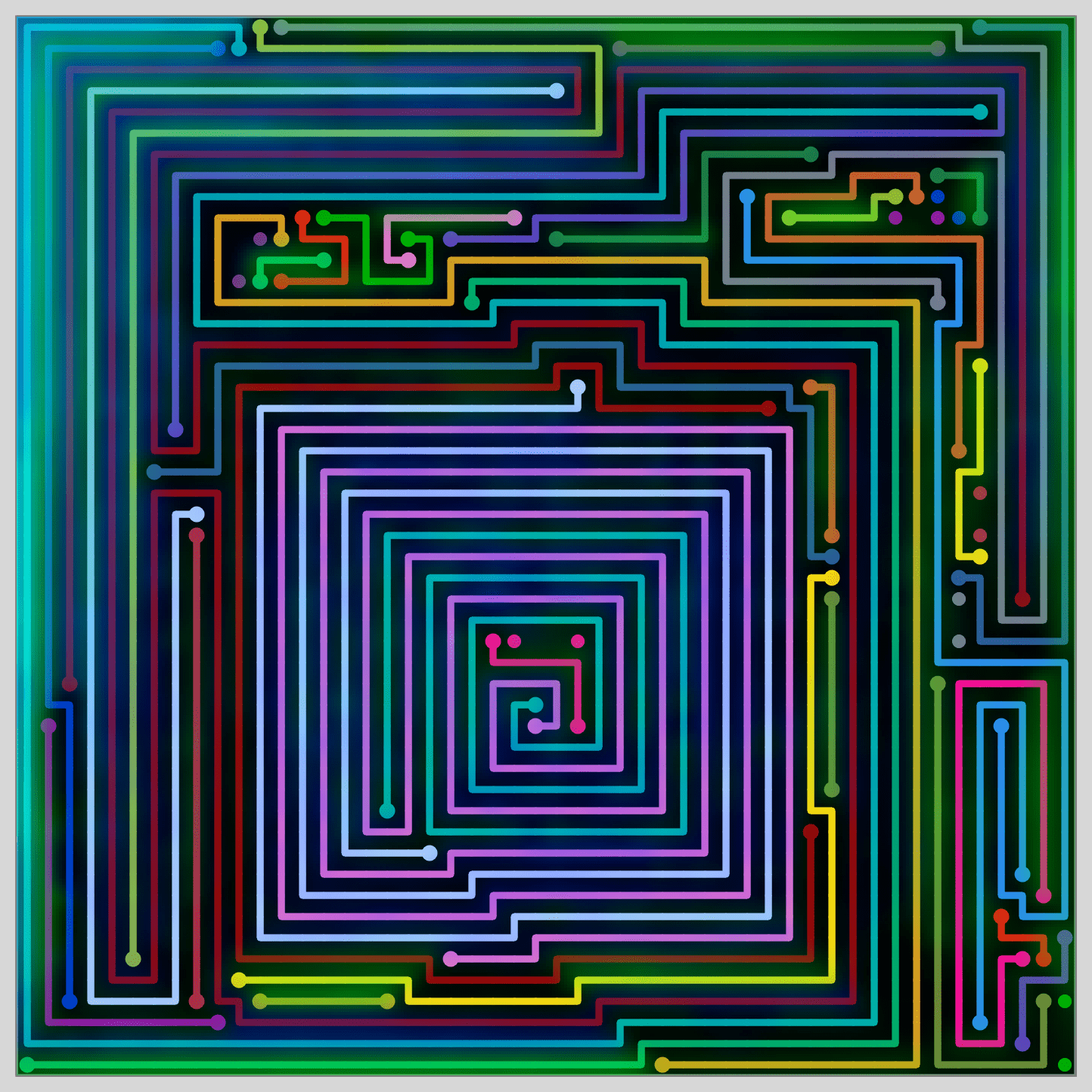
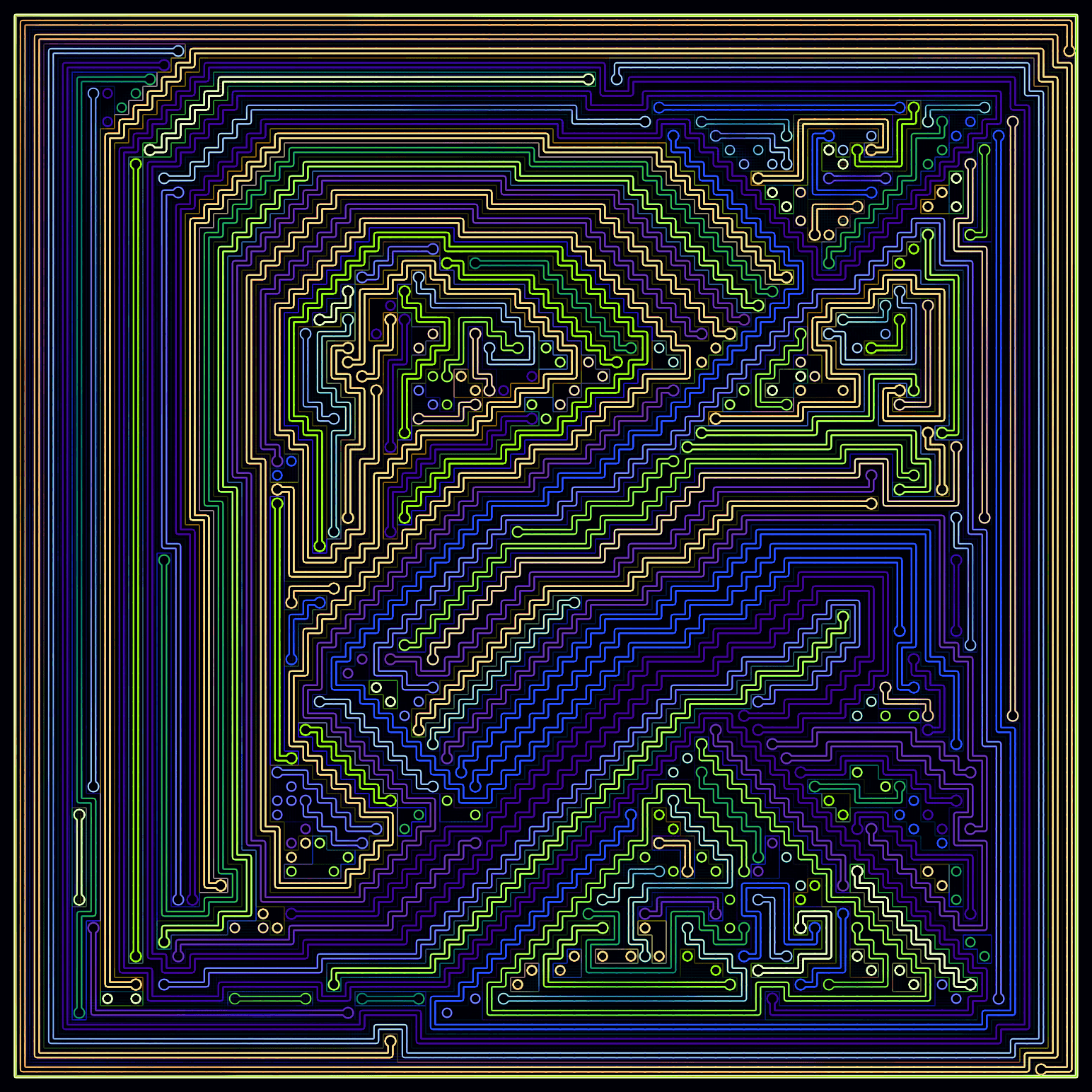
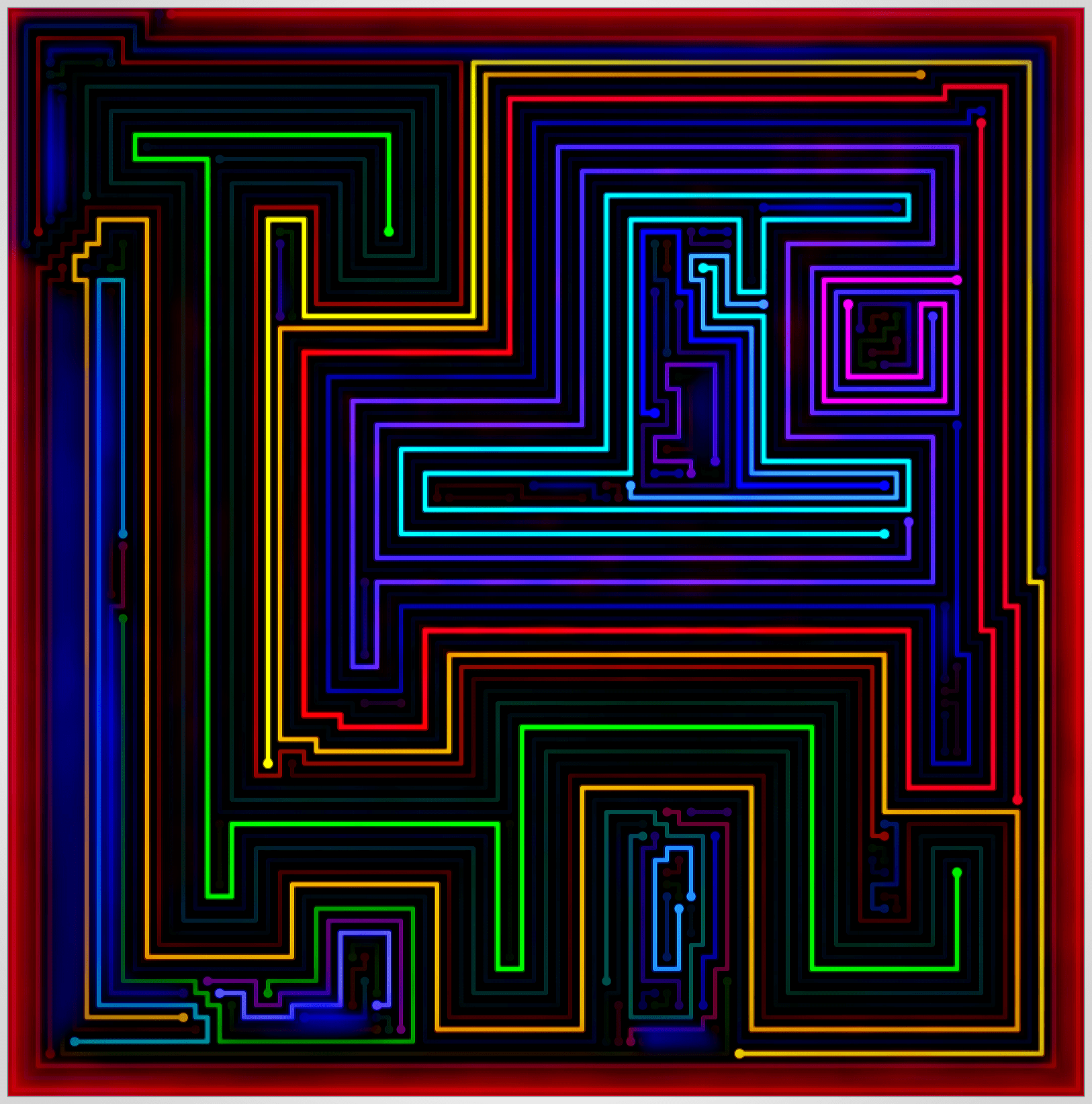
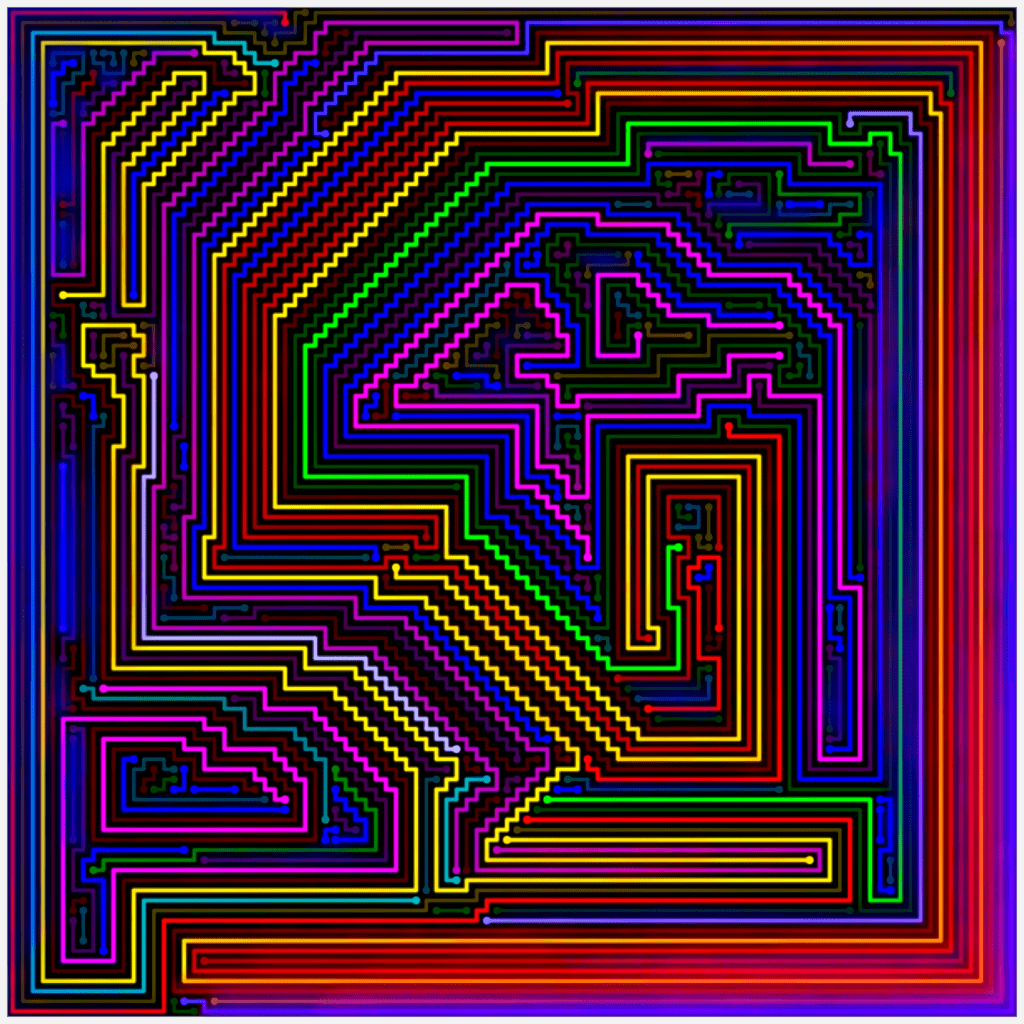
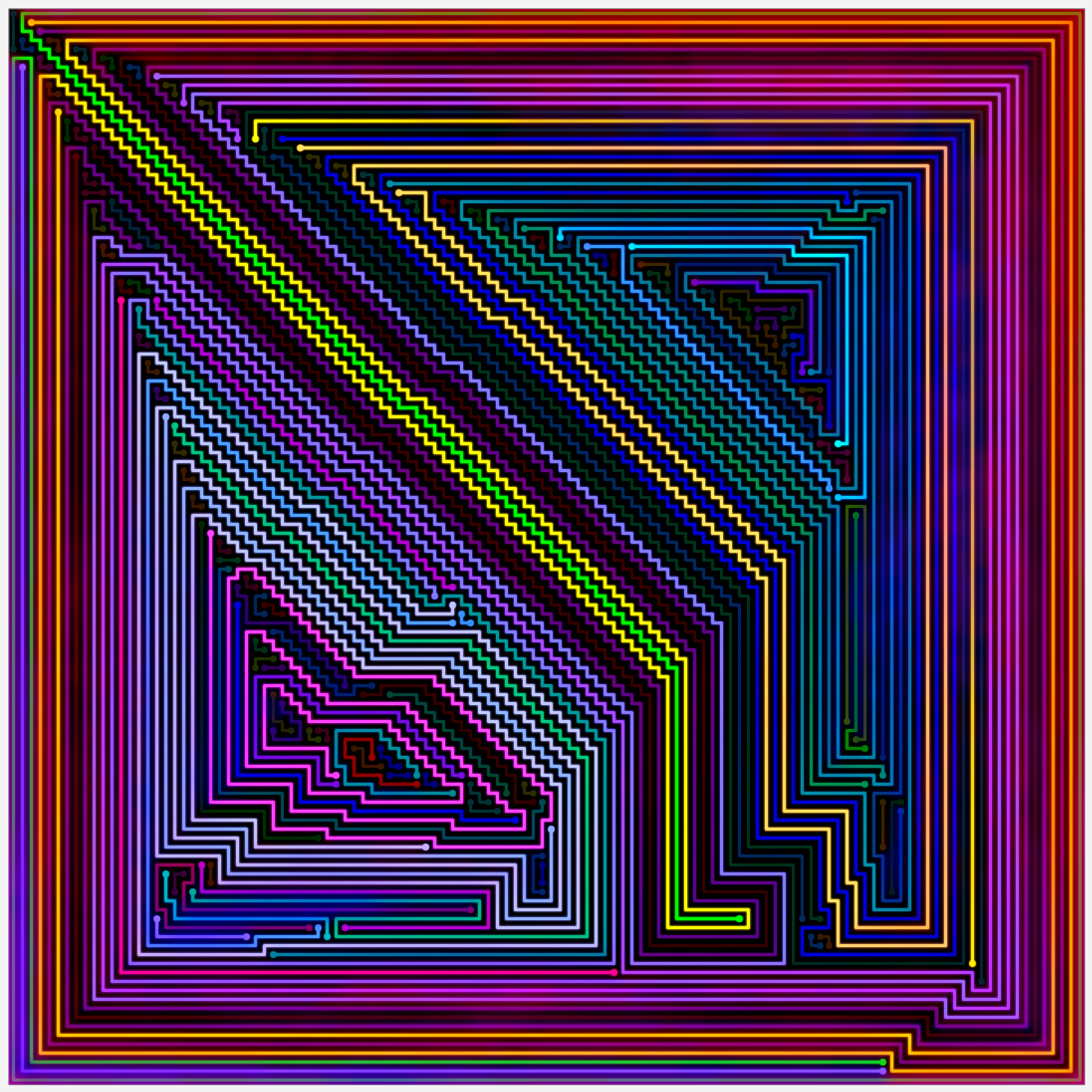
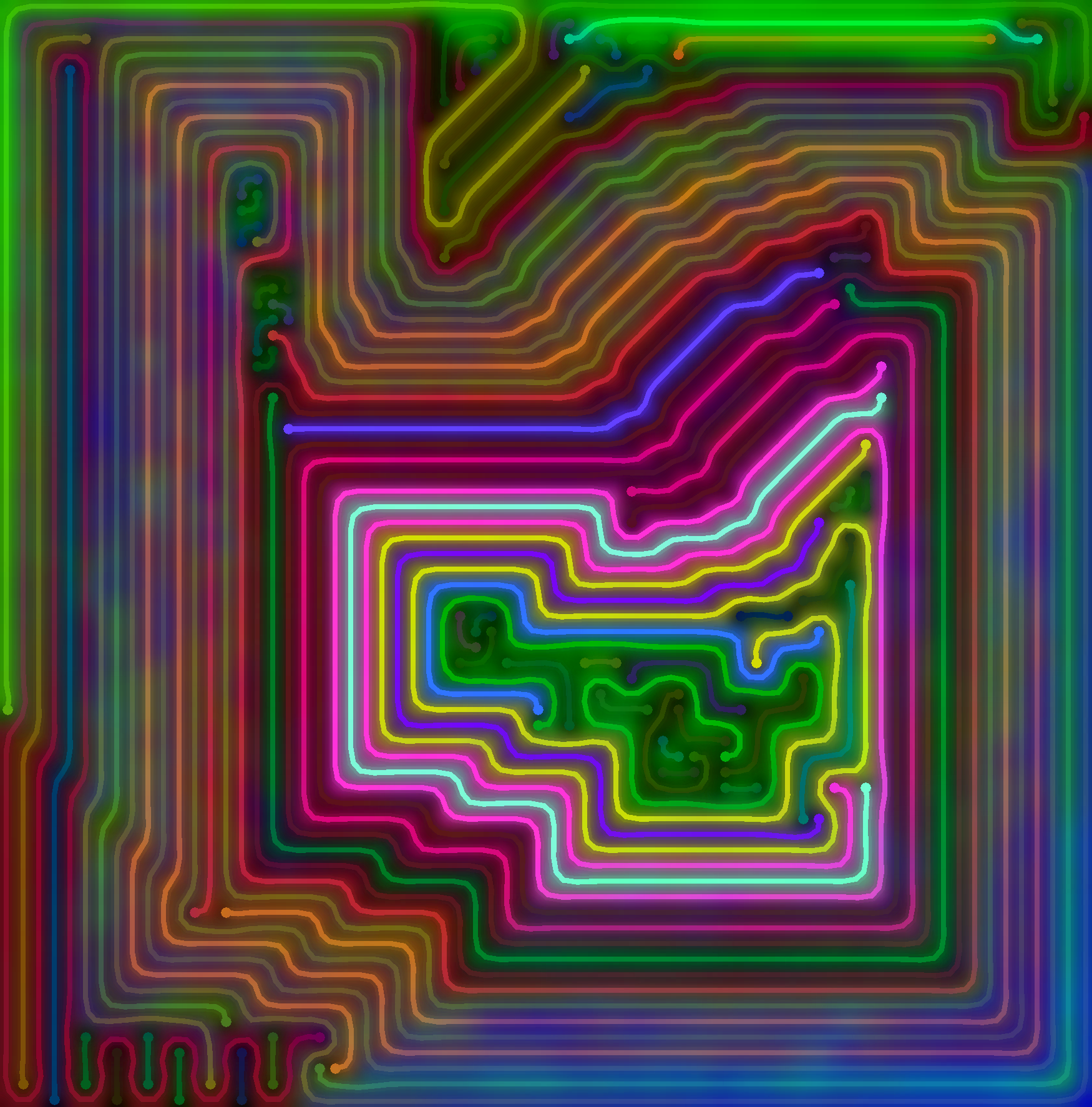
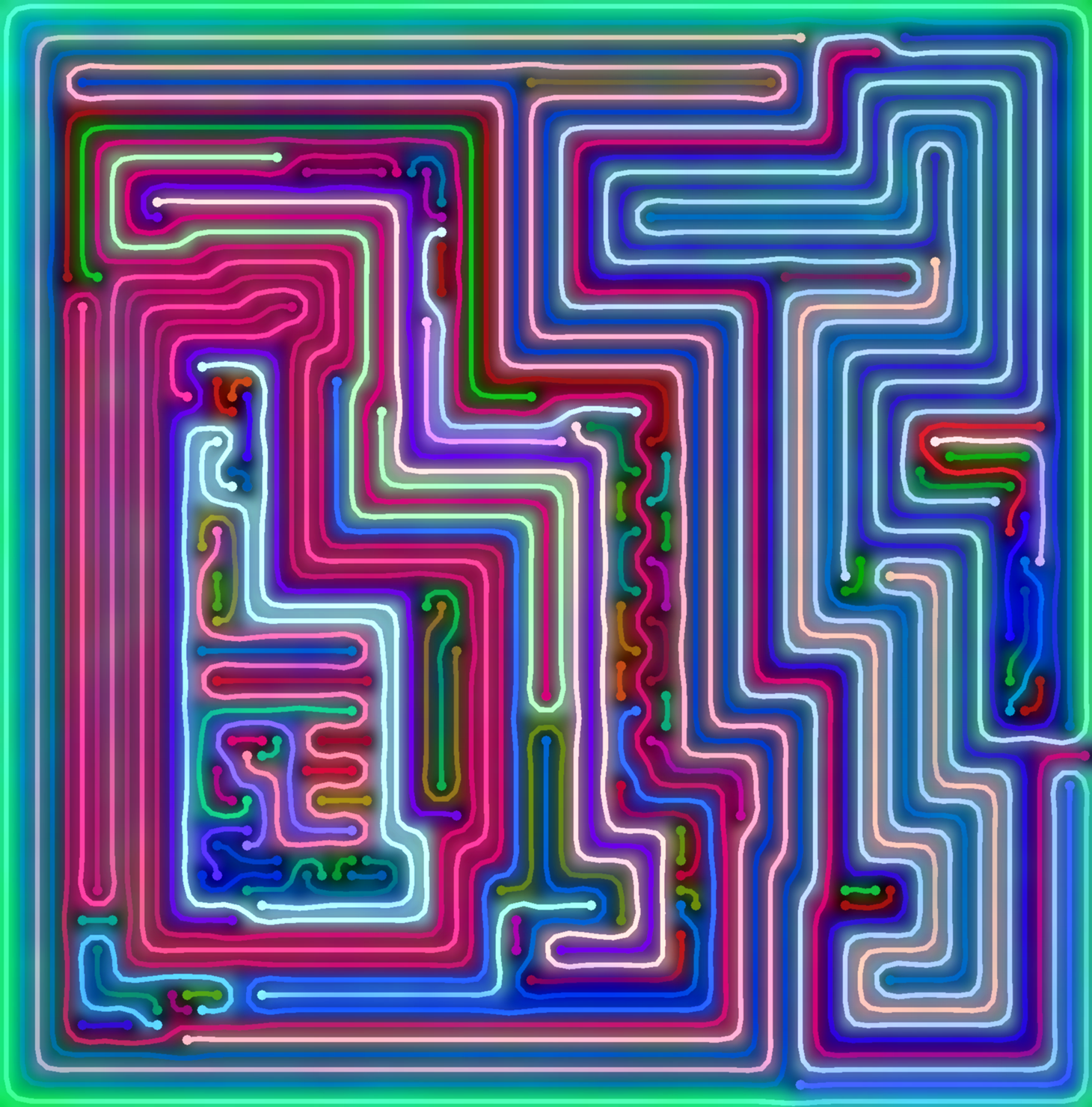
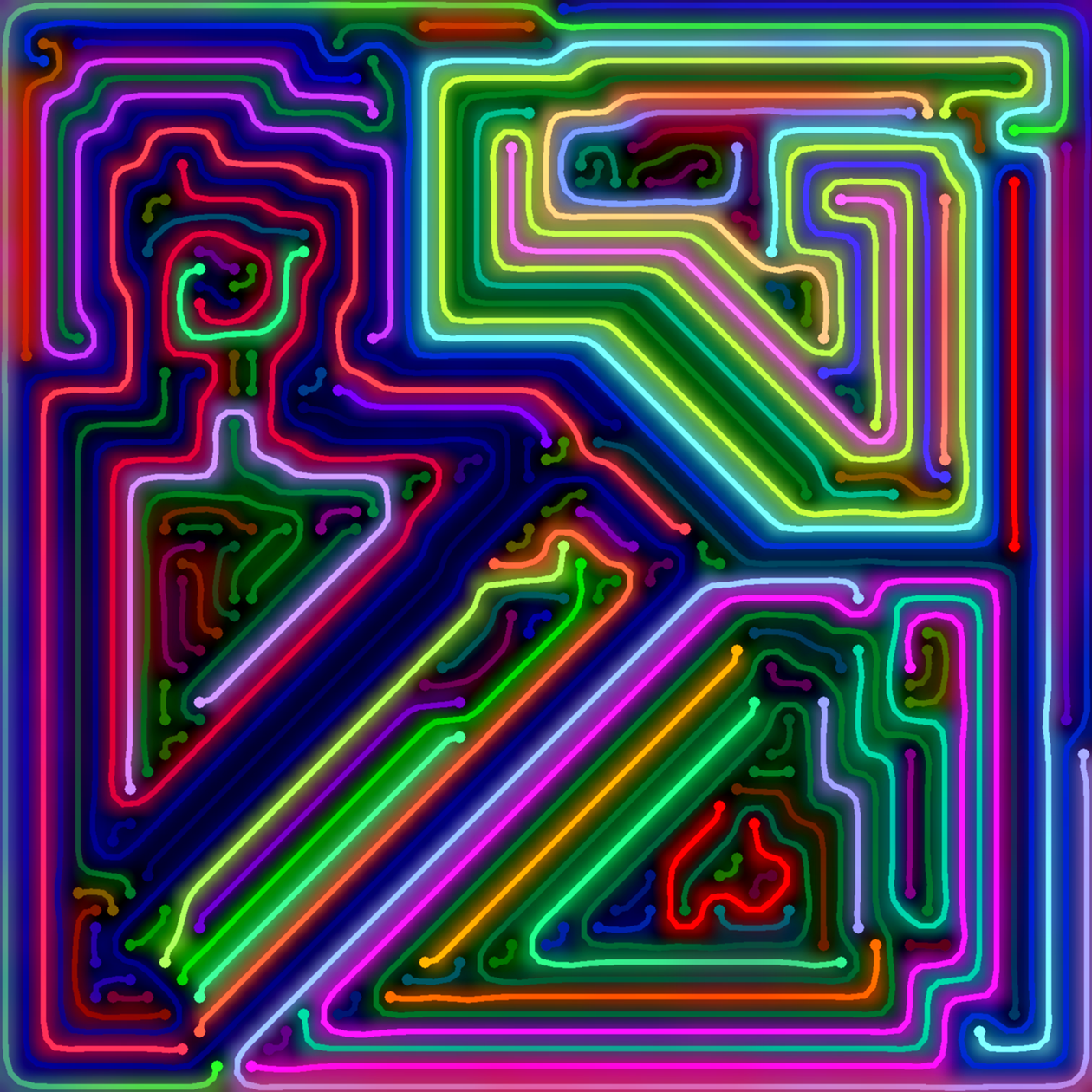
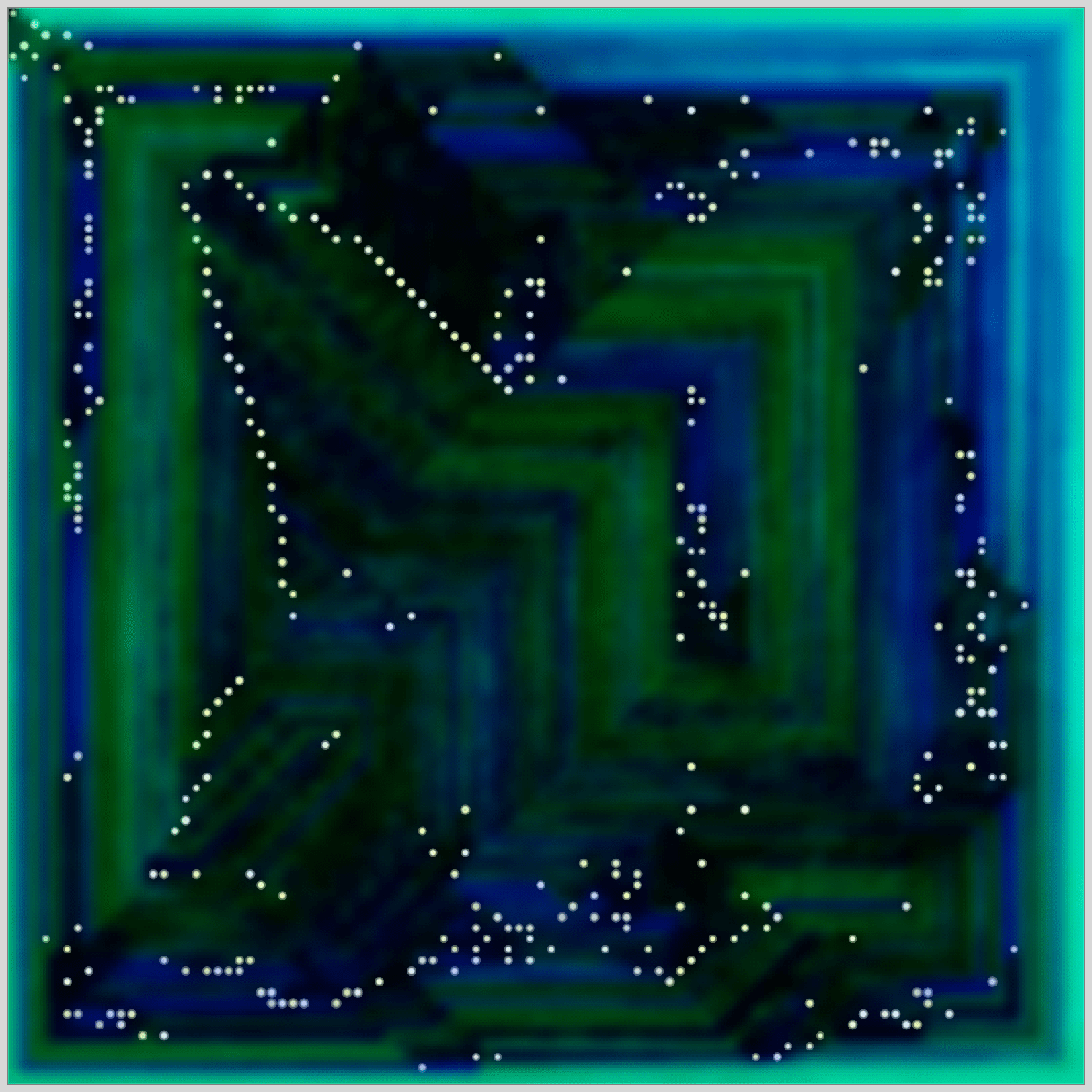
The first seven images feature increasing grid sizes of 25×25, 40×40, 50×50, 80×80, 90×90, 100×100, and 120×120. The next three images are from the latest phase of this artwork, with grid sizes of between 60×60 and 80×80. The colors of the lines were originally randomly chosen by my program, though I manually adjusted the colors of several lines for most of this artwork. The background shading is also computer generated, and based on Similarity Maps. The last image of the above gallery, which I call a constellation map, shows only the similarity shading and the endpoints of each line, but not the actual lines.
Behind the creation of this artwork is a distributed processing application that required thousands of hours of processing time to create the grids for some of the galleries on my website. I also designed an extensive GUI for creating and editing the images. Here is an example of the user interface I created to edit the color of lines:
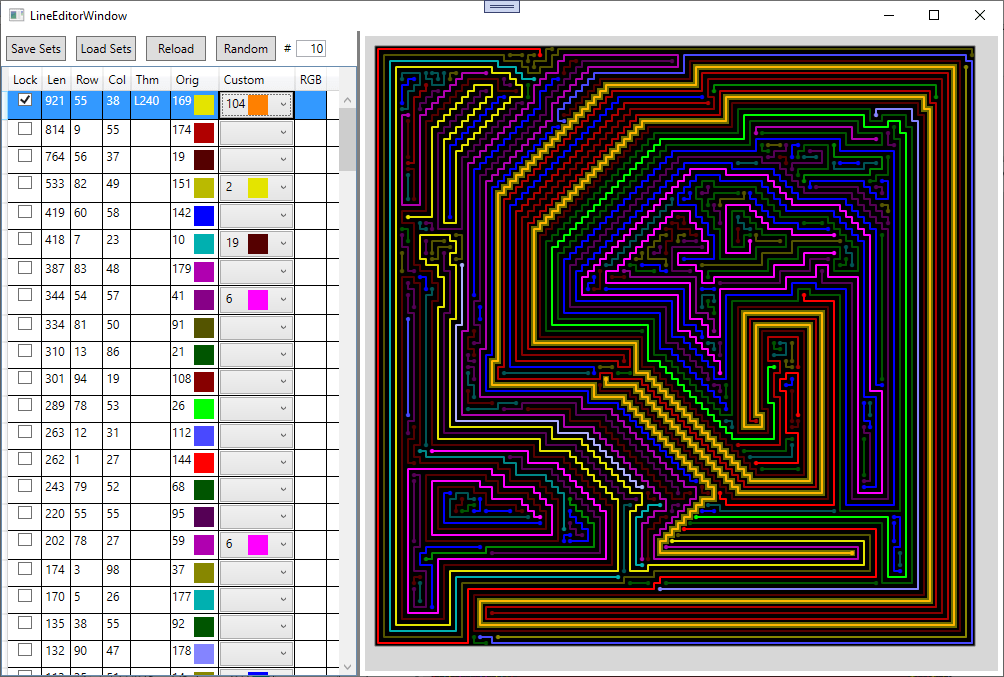
My line editor , showing the 100×100 grid from the gallery above. The selected line, now orange, is 921 cells long.
Color Grids
Main page: Color Grids.
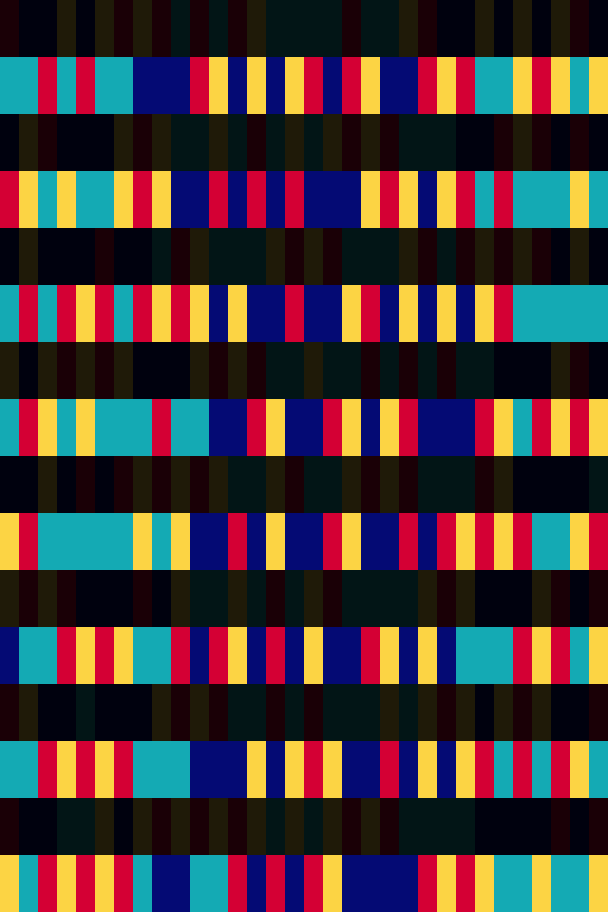
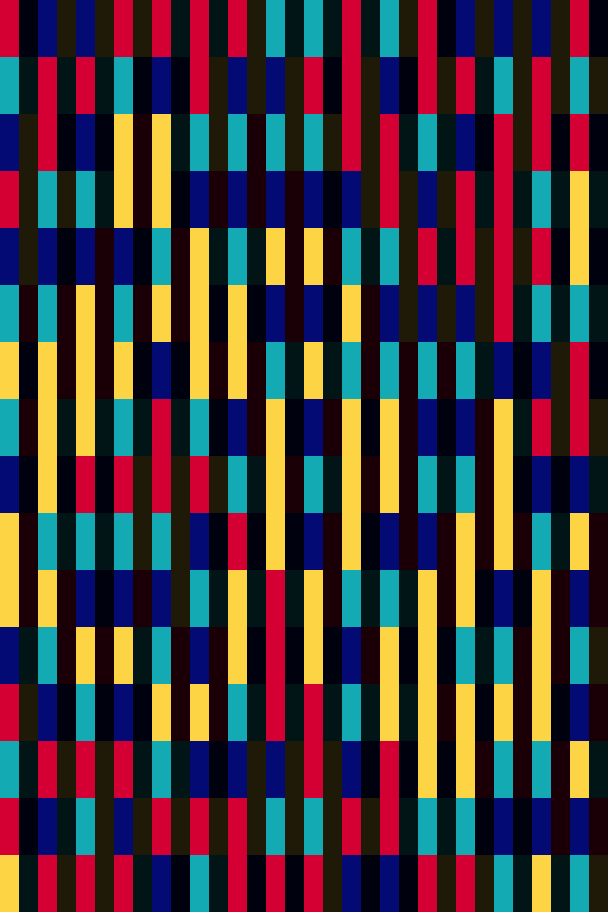
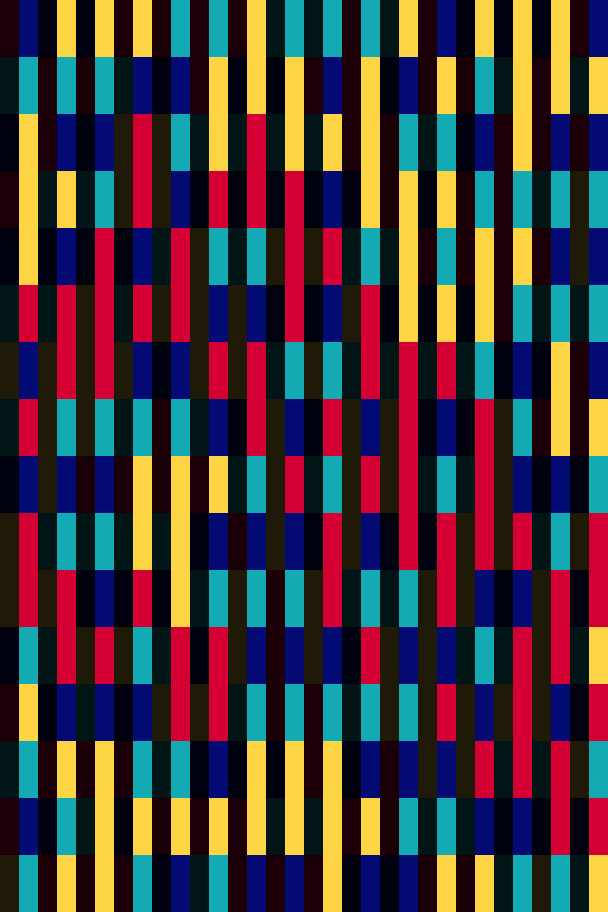
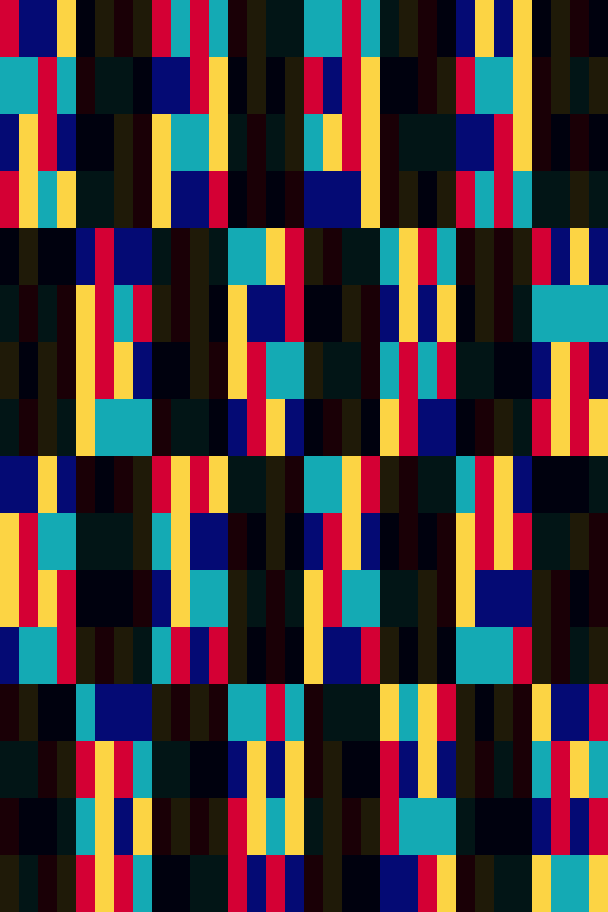
Color grids are another type of computer generated art that I have created. For this work I have written a program that fills in a grid with colors according to a customizable set of rules. The following example is featured on the page Solving a Hard Problem, with slightly different colors.

The featured grid from the page Solving a Hard Problem, shown with different colors. See this on the interactive viewer, where you can choose your own colors.
The grid shown has 16 rows and 32 columns with cells three times as tall as they are wide. The colors are evenly distributed in 88 groups of cells, each of which is shown in the gallery below. For example, there are 8 of each color in each of the 16 rows, and 4 of each color in each of the 32 columns.
For more information, see my page on Grid Generation, which uses flow charts to explain the process that my program uses to create these grids. The Interactive Viewer shows many more examples with different rule sets, allowing the user to select colors for each grid.
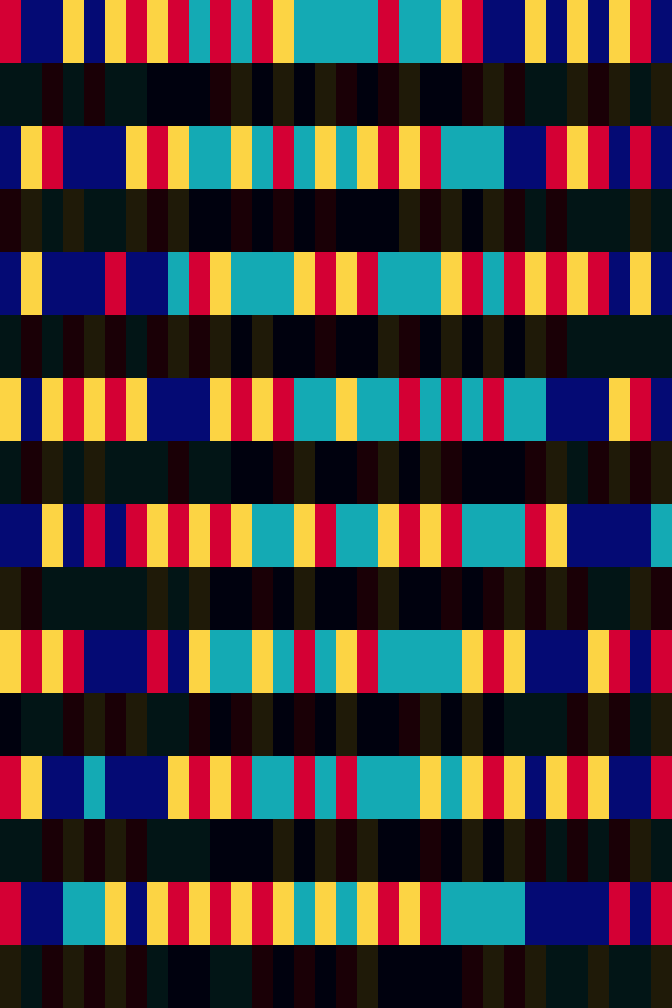
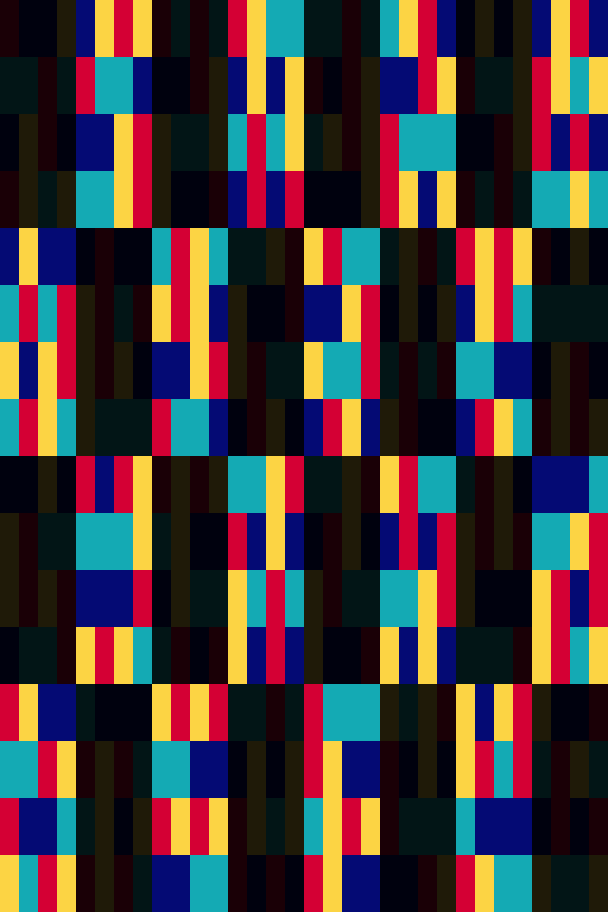
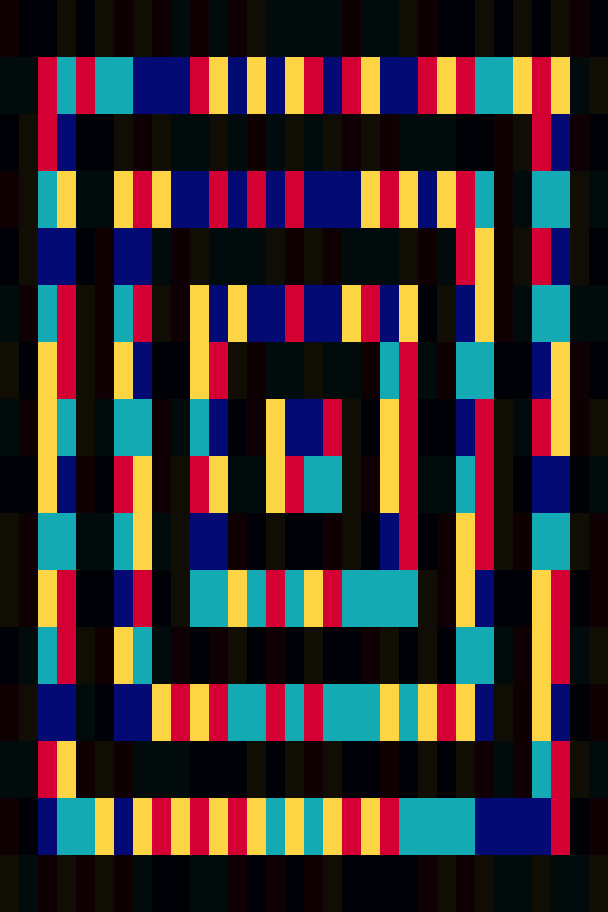
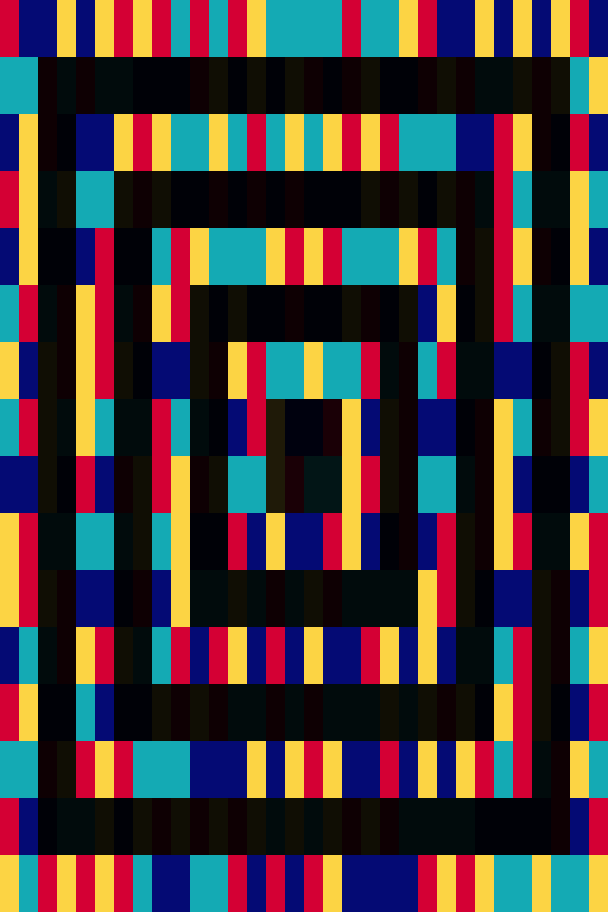
In addition to the distribution sets, the colors in the grid also adhere to the following adjacency restrictions:
- The cells to the top left, top right, bottom left, and bottom right of a cell cannot be the same color as that cell.
- The cells to the left or the right of a red or yellow cell cannot be the same color as that cell.
- The cells above and below a blue or purple cell cannot be the same color as that cell.
Of the 8 cells surrounding each cell, only 2 of the 8 cells can be of the same color:

The assignment of a color to a cell eliminates that color from 6 of the 8 cells surrounding it.
The adjacency and distribution rules both restrict the number of colors available for each cell as the program fills out the grid. Of the many rule sets I tested, this rule set has among the most restrictive rules of both types. The combination of rules makes it really easy to run out of valid colors for a cell, which I call a color conflict. The graph below shows that these conflicts were especially common during the last 100 cells filled in by my program:

When creating this grid, my program picked a color for a cell 12,000 times, of which only 512 of these were “correct.”
The chart shows that my program frequently had to erase 50 or more cells on its path towards reaching this solution. My program was actually lucky it needed only 12,000 moves to create this grid; for another solution that shares the same first 256 cell/colors as this one, it took a full 5 billion moves before it finally reached a different, but also valid, solution.
Beginning at cell 458, the program was forced to pick a single color for a stretch of 48 consecutive cells. The odds of it making it through this stretch without a color conflict were less than 1 in 50,000. The following image is from after it had filled in 478 cells:

An image from the page Solving a Hard Problem > The Program vs. The Grid
The program had just filled 10 cells (outlined in green) that had just one valid color, 8 with red and 2 with yellow. As a result, the 9 black cells with the magenta border had only one available color.
See: Solving a Hard Problem for many more details about the creation of this particular grid.
A Programmer Plays Darts
Main page: A Programmer Plays Darts
My original work is also available in PDF format, in two parts:
Part 1 – A Program Plays Darts
Part 2 – A Programmer Actually Plays Darts
When I was a child, my father and I used to play darts against each other in fantasy dart leagues with fictional teams and players. Darts also served as my introduction to programming, beginning with Lotus 1-2-3 macros I wrote to automate record-keeping for these leagues.
As a child I had wondered where I should aim my darts in order to maximize my chances of winning the game. Twenty-five years later, I decided to answer this question, as well as other questions related to the game of darts.
Answering these questions are dependent on a model of a player’s dart throwing.
I have used a probabilistic density function (PDF) to represent this model, which can predict the probability that a dart lands in any part of the dartboard based on its relative location to the target. These probabilities can then be used to calculate a player’s expected scoring average while aiming at any point on the dartboard. The following image shows one of these PDFs for a fictional player named Pigfoote while aiming at the bullseye:

A visualization of a probabilistic density function, based on a bivariate normal distribution with an x and y standard deviation of 17 millimeters.
The following image shows 5000 simulated dart throws using the above PDF:

5000 simulated dart throws using Pigfoote’s probabilistic density function when aiming at the bullseye.
While my work applies to any PDF, in Part 1, I use Pigfoote’s as an example to answer the following questions of increasing difficulty:
- Where should Pigfoote aim to maximize his expected score?
- For the simple “Hi-Score” variant of darts (the variant I played with my father), based on the situation (score/turn/throw), where should Pigfoote aim to maximize his expected winning percentage?
- For the “501” variant played in competitive darts today, based on the situation, where should Pigfoote aim to minimize his expected turns?
- Alternately, where should Pigfoote aim if he wants to maximize his chances to “go out” on his current turn?
- For the “501” variant, how can Pigfoote build a complete strategy that takes his opponent’s score, skill, and strategy into account and maximizes his expected winning percentage?
Pigfoote’s Optimal Scoring Target
I used Pigfoote’s PDF to generate the following heatmap, which shows Pigfoote’s relative scoring average while aiming at each point on the dartboard. The blue “x” shows Pigfoote’s optimal scoring target, which lies within the triple 19.

The heatmap shows that Pigfoote’s optimal scoring target lies within the triple 19, where he should average about 19.7 points per throw.
Maximizing Win Expectancy – Hi-Score Variant
In the “Hi-Score” variant, players alternate three throw turns, and the player who scores the most points wins. The key to finding the target that maximizes win percentage, as opposed to score, is to map every score on the dartboard to a winning percentage. I began with the last throw of the game, as depending on the score of the game, each score on the dartboard can be translated to a win (100% wpct), a tie (50%) or a loss (0%) for the current player. I also used a dartboard with different dimensions: the electronic dartboard my father bought, which has larger triple and double rings.
The following table shows Pigfoote’s optimal target, and chances to win on the last throw of the game when trailing by 7 to 26 points (target notation explained in Part 1):

Pigfoote should win >75% of the time when trailing by 19 or less before his last throw of the game.
The following image shows the locations for the 5 targets within the 14 with dots next to them in the table above:

Pigfoote’s optimal targets when behind by 8 to 13 points for the final throw of a Hi-Score darts game.
The dots show that when trailing by 8 to 13 points before the final throw of the game, Pigfoote should always aim within the 14, but the specific location varies for each score.
- Trailing by 10 points, he should aim at the blue dot between 14 and the 11, since both scores win the game. Pigfoote should win 97.5% of the time if he aims at this target.
- Trailing by 11 points, he should aim at the cyan dot, within the 14 but closer to the 11, which ties the game, than the 9 (above the 14), which loses the game. Pigfoote has an 84.29% chance to win.
- Trailing by 12 or 13, he should aim at the green dot almost directly in the center of the 14. Pigfoote has a 78.2% chance to win.
In Part 1, I used the complete version of the above table for the final throw of the game to create a table for the 2nd to last throw of the game. For example, trailing by 30 points, a single 20 reduces Pigfoote’s deficit to 10 points and from the table above is mapped to a 97.5% win expectancy. This 2nd table is then used to create a table for the 3rd to last throw of the game, and so on all the way to the first throw of the game (though beyond the 3rd to last throw, this requires a model of Pigfoote’s opponents dart throwing).
Competitive Darts, 501 Variant
In the 501 variant played in competitive darts today, the goal of the game is to reduce your score to exactly 0, but the final throw of the game must land on a double. A throw that reduces a player’s score below zero, to exactly one, or to zero but not ending with a double or bullseye is known as “going bust”, with the player’s score being reset to the value before starting the turn, and the remainder of the turn being forfeited.
When choosing a target for this variant of darts, a better goal than maximizing a player’s expected score is to minimize a player’s expected turns to reach a score of 0 (called going “out”). Thus, I began by finding where Pigfoote should aim to minimize his expected turns, beginning with the lowest non-zero score possible of 2 points.
The image below shows Pigfoote’s optimal target with a score of 2 points for his first (red), second (green), and third (blue) throw of his turn. Because the bust rule means that scoring 1 point forfeits the rest of his turn, Pigfoote should actually aim to miss the scoring area of the dartboard for his 1st and 2nd throws of his turn.

Pigfoote’s optimal target with a score of 2 points for his first (red), second (green), and third (blue) throw of his turn
I then used the solution for a score of 2 points to find the optimal targets for a score of 3 points, and then used both solutions to find targets for a score of 4 points, and so on until the maximum score of 501 points*. The following shows Pigfoote’s turn minimization table with a score of 2 to 8 points:

The turns column shows that although the goal of a 501 darts game is to reach a score of zero, because of the double out rule, a lower score is not always better.
Note that minimizing expected turns is not the same as maximizing win percentage. For example, against a highly skilled darts player who is likely to go out his next turn, Pigfoote should care more about the “Out” column than the “Turns” column in the above table, with targets adjusted accordingly. In Part 1 of my analysis I demonstrate how Pigfoote can build a complete win maximization strategy that takes his opponent’s score, skill, and strategy into account, along with a few examples for specific situations. A table showing every scenario would have 3*500*500 = 75,000* entries! *technically a lot more when accounting for scenarios where the bust rule can increase a player’s score., which is addressed in the complete solution.
Applying the Solution to a Human Darts Player
Part 1 effectively solves the game of darts for any player’s whose throwing can be exactly represented by a single probabilistic density function. At the end of Part 1, I point out several potential issues with applying the same method to an actual, human player. This raises the question, does a human throw exactly the same way at every target?
In Part 2 of my analysis I threw a lot of darts in an attempt to answer this and other questions. To begin, I recorded 3,000 of my dart throws while aiming at each of four targets. The following image represents the location of all 12,000 of these dart throws:

The location of 12,000 of my dart throws while aiming at the triple 20 (blue), triple 19 (green), triple 14 (black) and bullseye (red).
I then used these throws to create the following PDFs of my dart throwing while aiming at each of these targets:

Probabilistic density functions of my dart throwing while aiming at the triple 20, triple 19, triple 14, and double bullseye.
Note that when aiming at the bullseye, my PDF has a much smaller radius, and is more circular, demonstrating that I threw significantly more accurately compared to the other targets.
My work for part 1 depends on using a single PDF to represent a player’s dart throwing regardless of the target. The above PDFs are definitely not the same in size or shape, indicating that the solution from Part 1 is not complete for an actual human darts player.
Based on this, I wanted to see if I could predict the size/shape of my PDF based on the location of my target. To test this, I threw 600 darts while aiming at each of the 20 triple segments around the dartboard. The following visualization represents the 6,866 of these 12,000 throws that landed in the same number segment as the triple that I was aiming at:

Visualization of my dart throwing while aiming at each of the 20 triples. Example: when aiming at the triple 20 at the top of the dartboard, about 0.2% of my throws hit the double 20, 25.3% hit the outer single 20, 10.5% hit the triple 20, and 15.7% hit the inner single 20. The other 48.3% of my throws landed outside of the 20.
Ultimately, after throwing and tracking over 30,000 darts, I concluded that my dart throwing is not predictable enough to apply the solution from Part 1 given that I can’t aim my darts to the precision that the solution requires.
A Dart Trainer
I stopped throwing darts once I understood that although I could build a statistical model of my dart throwing, it wouldn’t improve my game much. My goal was not to solve the game of darts for a computer, it was to solve it for a human being.
Remembering that I throw better when aiming at the bullseye, I did have an insight that could make me a better darts player. Because a human doesn’t aim at every point in the dartboard like a computer program, I had an idea for a pair of dartboard targeting goggles.

above: dartboard goggles, a possible way to improve your dart throwing.
These goggles would recognize the dartboard, and overlay a target for the part of the board to be hit. This target might not be circular, depending on the area of the board to place the darts.
These goggles could also record where the darts hit the board, and build a model of the player’s throwing. This model would allow optimization of the target displayed and could be adjusted for the game being played.
These targeting goggles could easily be optimized for other projectile sports such as archery, baseball, or firearms target shooting. A second generation of this software could improve aim for moving targets, whose shape changes from the perspective of the viewer, for activities like game hunting, or for military combat. Alternatively, the software could display targeting solutions predictive of where there will be holes in the defense, useful for the games of tennis, football, and soccer. Each solution could use the same goggles with software specific to that application.
Even without any additional software, a device that simply created a visual target, shaped like a bullseye, at a user-specified location, could dramatically improve one’s accuracy for a wide range of activities.
Conclusion
In the end, it took me over 30,000 dart throws to finally realize that this silly idea I had for dartboard goggles after about 500 throws is actually a far better solution to darts for a human than any amount of statistical modeling could be on its own. But the solution really came from something I suspected as a kid playing darts with my father: that a human doesn’t see the dartboard the same way that a computer program does. And for a human, the solution to darts is to see the dartboard more like a computer program.
Interested in having me solve problems for your company?
Contact Me


Alternately, you can send an email to DougO1081@gmail.com.